
Bring Routing
to Pydantic AI
Create your Vinkius account to connect OpenRouteService to Pydantic AI and start using all 10 AI tools in minutes. Fully managed, enterprise secure, and ready to use without writing a single line of code. No hosting, no server setup — just connect and start using.
 GDPR Free for Subscribers
Compatible with every major AI agent and IDE
 Gemini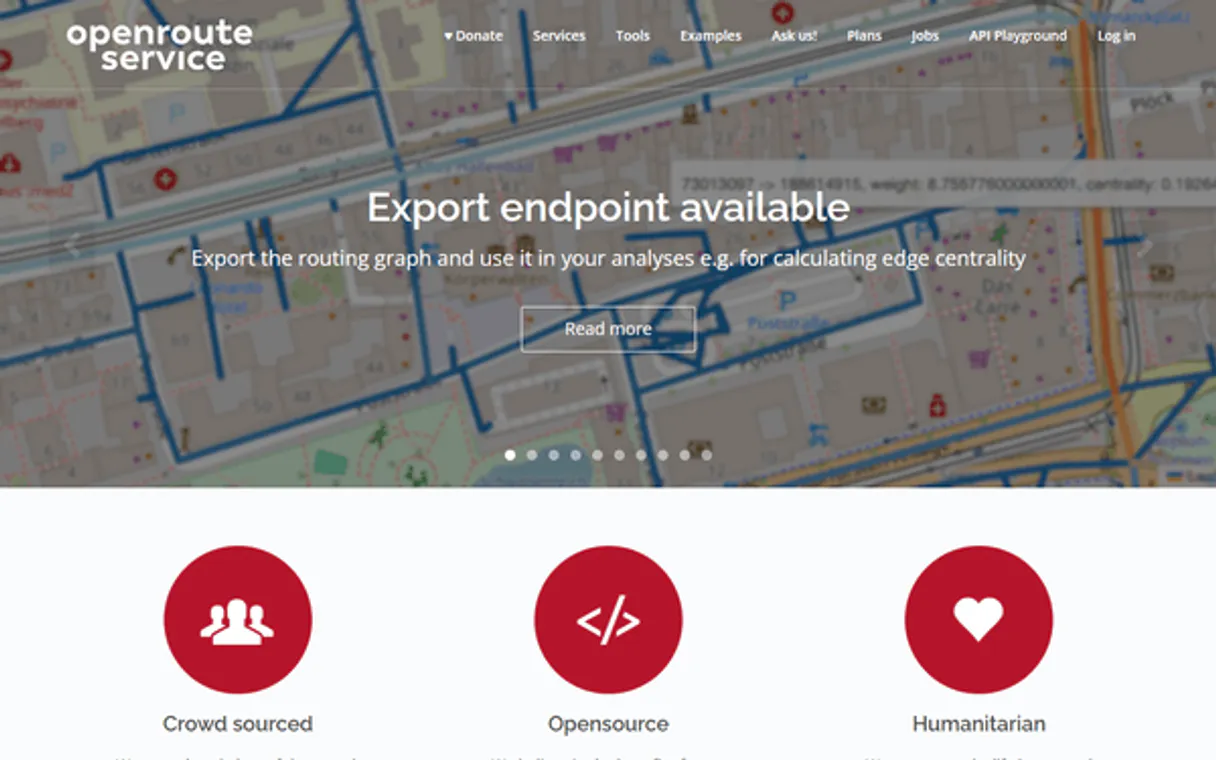
What is the OpenRouteService MCP Server?
Unlock the full power of OpenRouteService from a single conversation. Calculate driving routes, generate reachability maps, solve vehicle routing problems, and geocode addresses — all backed by OpenStreetMap data.
What you can do
- Directions — Calculate optimal routes between multiple waypoints for car, bicycle, or pedestrian profiles with distance and duration
- Isochrones — Generate reachability polygons showing areas accessible within a given time or distance from any point
- Distance Matrix — Compute M×N duration and distance matrices between multiple origins and destinations
- VRP Optimization — Solve multi-vehicle routing problems with jobs, vehicles, and capacity constraints using the VROOM solver
- Geocoding — Forward and reverse geocode addresses using Pelias, with country boundary filters
- GPS Snap — Clean noisy GPS traces by snapping coordinates to the nearest road segment
- Elevation — Get altitude data for coordinate sequences using the elevation API
How it works
- Subscribe to this server
- Enter your OpenRouteService API Key
- Start planning routes from Claude, Cursor, or any MCP-compatible client
Who is this for?
- Logistics teams — optimize multi-stop delivery routes and estimate travel times between warehouses and customers
- Urban planners — analyze accessibility with isochrone maps showing 5/10/15-minute reachability zones
- Field service managers — plan technician routes solving vehicle routing problems with capacity and time window constraints
Built-in capabilities (10)
Identify precise active arrays spanning native Road network points
Inspect deep internal arrays mitigating specific Reachability lines
Enumerate explicitly attached structured rules exporting active M * N logs
Retrieve explicit Cloud logging tracing explicit Optimization jobs
Identify bounded routing spaces inside the Headless OpenRouteService
Provision a highly-available JSON Payload parsing accessible Altitude lines
Perform structural extraction of properties driving active OSM boundaries
country` fetching strings rigidly ignoring maps spanning outside target ISO boundaries. Irreversibly vaporize explicit validations extracting local search filters
Retrieve the exact structural matching verifying Map snapping limits
Dispatch an automated validation check routing explicit VROOM solvers
Why Pydantic AI?
Pydantic AI validates every OpenRouteService tool response against typed schemas, catching data inconsistencies at build time. Connect 10 tools through Vinkius and switch between OpenAI, Anthropic, or Gemini without changing your integration code. full type safety, structured output guarantees, and dependency injection for testable agents.
- —
Full type safety: every MCP tool response is validated against Pydantic models, catching data inconsistencies before they reach your application
- —
Model-agnostic architecture. switch between OpenAI, Anthropic, or Gemini without changing your OpenRouteService integration code
- —
Structured output guarantee: Pydantic AI ensures tool results conform to defined schemas, eliminating runtime type errors
- —
Dependency injection system cleanly separates your OpenRouteService connection logic from agent behavior for testable, maintainable code
OpenRouteService in Pydantic AI
Why run OpenRouteService with Vinkius?
The OpenRouteService connection runs on our fully managed, secure cloud infrastructure. We handle the hosting, maintenance, and security so you don't have to deal with servers or code. All 10 tools are ready to work instantly without any complex setup.
You stay in complete control of your data. Your AI only accesses the information you approve, keeping your sensitive passwords and private details completely safe. Plus, with automatic optimizations, your AI works faster and more efficiently.
* Every connection is hosted and maintained by Vinkius. We handle the security, updates, and infrastructure so you don't have to write code or manage servers. See our infrastructure
Over 4,000 integrations ready for AI agents
Explore a vast library of pre-built integrations, optimized and ready to deploy.
Connect securely in under 30 seconds
Generate tokens to authenticate and link external services in a single step.
Complete visibility into every agent action
Audit live requests, latency, success rates, and active security compliance policies.
Optimize spending and track token ROI
Analyze real-time token consumption and cost metrics detailed by connection.




Explore our live AI Agents Analytics dashboard to see it all working
This dashboard is included when you connect OpenRouteService using Vinkius. You will never be left in the dark about what your AI agents are doing with your tools.
OpenRouteService and 4,000+ other AI tools. No hosting, no code, ready to use.
Professionals who connect OpenRouteService to Pydantic AI through Vinkius don't need to write code, manage servers, or worry about security. Everything is pre-configured, secure, and runs automatically in the background.
Raw MCP | Vinkius | |
|---|---|---|
| Ready-to-use MCPs | Find and configure each manually | 4,000+ MCPs ready to use |
| Connection Setup | Manual coding & server setup | 1-click instant connection |
| Server Hosting | You host it yourself (needs 24/7 uptime) | 100% hosted & managed by Vinkius |
| Security & Privacy | Stored in plaintext config files | Bank-grade encrypted vault |
| Activity Visibility | Blind execution (no logs or tracking) | Live dashboard with real-time logs |
| Cost Control | Runaway AI token spend risk | Automatic budget limits |
| Revoking Access | Must delete files or code to stop | 1-click disconnect button |
How Vinkius secures
OpenRouteService for Pydantic AI
Every request between Pydantic AI and OpenRouteService is protected by our secure gateway. We automatically keep your sensitive data private, prevent unauthorized access, and let you disconnect instantly at any time.
Frequently asked questions
Is the OpenRouteService API free?
Yes. ORS offers a free Standard plan with generous daily limits for all services (directions, isochrones, matrix, geocoding, and optimization). No credit card required. Higher rate limits are available through the Collaborative plan for non-profits, academics, and government organizations.
What routing profiles are supported?
ORS supports driving-car, driving-hgv (heavy goods vehicles), cycling-regular, cycling-road, cycling-mountain, cycling-electric, foot-walking, foot-hiking, and wheelchair. Each profile optimizes routes based on road network restrictions specific to that transportation mode.
Can I solve vehicle routing problems with time windows and capacity constraints?
Yes. The VRP optimization tool uses the VROOM solver. Define jobs with locations, service times, and time windows, then define vehicles with start/end locations, capacities, and operating hours. The solver returns optimized assignments and routes for your entire fleet.
How does Pydantic AI discover MCP tools?
Create an MCPServerHTTP instance with the server URL. Pydantic AI connects, discovers all tools, and generates typed Python interfaces automatically.
Does Pydantic AI validate MCP tool responses?
Yes. When you define result types as Pydantic models, every tool response is validated against the schema. Invalid data raises a clear error instead of silently corrupting your pipeline.
Can I switch LLM providers without changing MCP code?
Absolutely. Pydantic AI abstracts the model layer. your OpenRouteService MCP integration works identically with OpenAI, Anthropic, Google, or any supported provider.
MCPServerHTTP not found
Update: pip install --upgrade pydantic-ai
Explore More MCP Servers
View all →
INPE (STAC API - Satélites)
6 toolsAccess Brazil's National Institute for Space Research (INPE) satellite data via STAC API — search collections, list items, and query Earth observation metadata.

Figma Alternative
16 toolsAccess Figma design files, comments, components and images via API — inspect nodes, render exports and track version history from any AI agent.
Siteimprove
9 toolsMonitor and improve your website quality — track accessibility, SEO, content QA, and broken links across your domains with AI agents.

Enrich CRM
5 toolsEnhance your CRM records with verified company data, technographic signals, and contact enrichment that keeps your database fresh.