
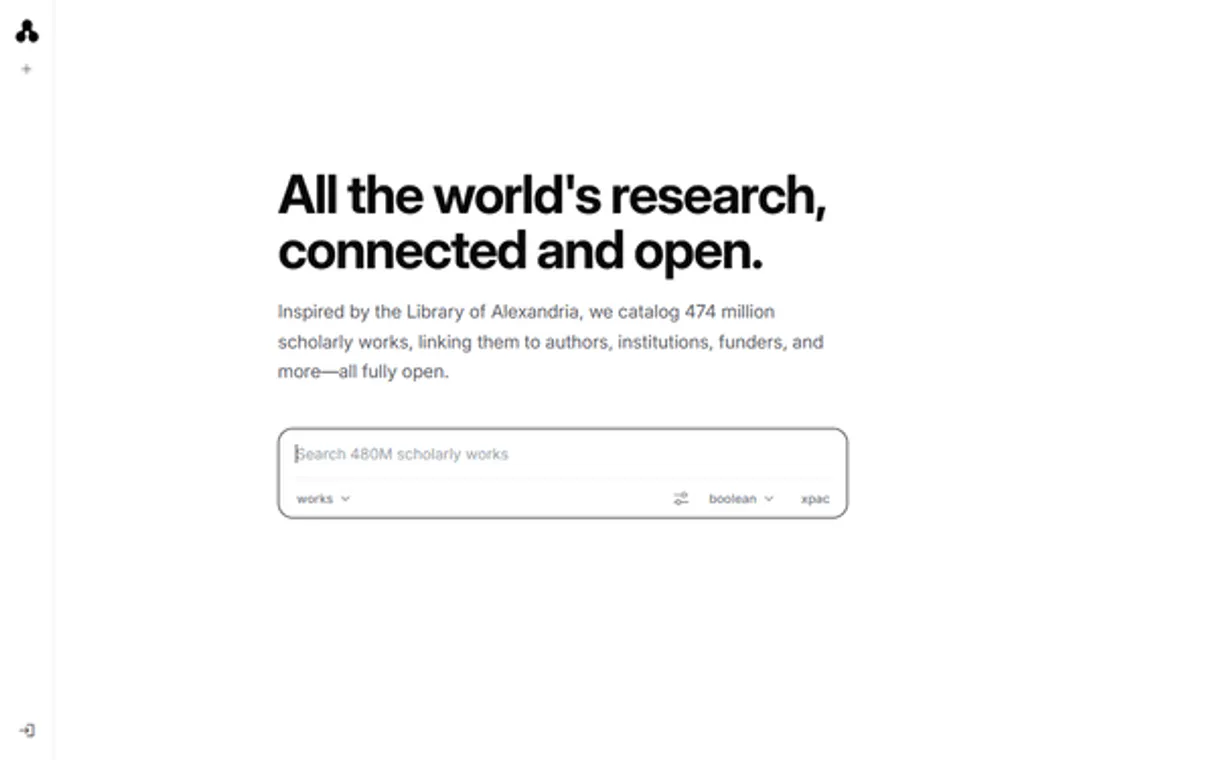
Stanford OpenAlex MCP Server with 16 Tools for Claude, Cursor, and AI Agents
 GDPR Free for Subscribers
Explore the global research landscape with open access to scholarly works, authors, institutions, and citation graphs. Vinkius routes your AI agents directly to Stanford OpenAlex through a governed connection. 16 tools ready to use with Claude, ChatGPT, Cursor, or any AI agent — no hosting, no setup, connect in 30 seconds.
Ask AI about this server
Compatible with every major AI agent and IDE
 Gemini
* Every MCP server runs on Vinkius-managed infrastructure inside AWS - a purpose-built runtime with per-request V8 isolates, Ed25519 signed audit chains, and sub-40ms cold starts optimized for native MCP execution. See our infrastructure
What is the OpenAlex MCP Server?
The OpenAlex MCP Server routes AI agents like Claude, ChatGPT, and Cursor directly to OpenAlex via 16 tools. Explore the global research landscape with open access to scholarly works, authors, institutions, and citation graphs. Powered by Vinkius — your credentials stay on your side of the connection, every request is auditable. Connect in under 2 minutes.
Built-in capabilities (16)
Tools for your AI Agents to operate OpenAlex
Ask your AI agent "Which universities have the highest research output in AI?" and get the answer without opening a single dashboard. With 16 tools connected to real OpenAlex data, your agents reason over live information, cross-reference it with other MCP servers, and deliver insights you would spend hours assembling manually.
Works with Claude, ChatGPT, Cursor, and any MCP-compatible client. Powered by Vinkius — your credentials never touch the AI model, every request is auditable. Connect in under two minutes.
Why teams choose Vinkius
One subscription gives you the infrastructure to connect your AI agents to thousands of MCP servers — and deploy your own to the Vinkius Edge. Your credentials stay yours. Your data flows directly between your agent and the API. DLP blocks sensitive information from ever reaching the model, kill switch for instant shutdown, and up to 60% token savings. Enterprise-grade routing and governance, zero maintenance.
Build your own MCP Server with our secure development framework →The Stanford OpenAlex App Connector works with every AI agent you already use
…and any MCP-compatible client









Use all 16 Stanford OpenAlex tools with your AI agents right now
Vinkius routes your AI agents to Stanford OpenAlex through a governed proxy. Beyond a simple connection, you get full visibility into every action your agents perform, with enterprise-grade security and up to 60% savings on AI costs.
Get author on Stanford OpenAlex
Returns name, affiliations, paper count, citation count, h-index, i10-index, 2-year mean citedness, top research concepts, and publication trends by year. The definitive tool for assessing academic impact. Get author profile with h-index, citations, and impact metrics
Get author works on Stanford OpenAlex
Returns works with titles, DOIs, years, citation counts, open access status, and primary venues. Sort by "cited_by_count:desc" for most cited or "publication_date:desc" for most recent. Get all works by a specific author
Get concept on Stanford OpenAlex
Essential for understanding the structure of a research field. Get concept details with ancestors, related concepts, and trends
Get funder on Stanford OpenAlex
Use this to understand which organizations fund specific research areas. Get funder details and funded research statistics
Get institution on Stanford OpenAlex
Get institution details with research metrics and collaborations
Get source on Stanford OpenAlex
Essential for evaluating journal quality and coverage. Get journal or conference details with impact metrics
Get work on Stanford OpenAlex
Accepts OpenAlex IDs (e.g. "W2741809807"), DOIs (e.g. "https://doi.org/10.1038/s41586-021-03819-2"), PubMed IDs (e.g. "pmid:34845388"), or MAG IDs. Returns title, abstract, authors with institutions, concepts, citation count, open access status, and publication details. Get academic work details by OpenAlex ID, DOI, or PubMed ID
Search authors on Stanford OpenAlex
Returns display name, ORCID, works count, citation count, h-index, i10-index, and last known institution. Filter examples: "cited_by_count:>10000", "works_count:>100", "last_known_institutions.country_code:US". Search 90M+ academic authors by name
Search concepts on Stanford OpenAlex
Returns names, levels, descriptions, works counts, and citation counts. Search 65K+ scientific concepts in the knowledge hierarchy
Search funders on Stanford OpenAlex
Returns names, countries, grants counts, works funded, and citation impact. Essential for understanding research funding landscapes. Search funding organizations worldwide
Search institutions on Stanford OpenAlex
Returns names, countries, types, works counts, citation counts, and homepages. Filter examples: "country_code:US", "type:education", "cited_by_count:>1000000". Search 100K+ research institutions worldwide
Search open access on Stanford OpenAlex
This is a specialized filter of the works endpoint that returns only papers with open access PDFs. Ideal for researchers who need freely accessible literature for reading, citation, or meta-analysis. Search only open access academic works
Search publishers on Stanford OpenAlex
Returns names, countries, works counts, and citation counts. Useful for analyzing the publishing landscape. Search academic publishers
Search sources on Stanford OpenAlex
Returns names, ISSNs, types, works counts, citation counts, and open access status. Filter examples: "type:journal", "is_oa:true", "cited_by_count:>100000". Search 240K+ academic journals, conferences, and repositories
Search topics on Stanford OpenAlex
Returns topic names, descriptions, associated works and citations, plus the parent field and domain. Use this to map the landscape of a research area. Search topic classifications across all of science
Search works on Stanford OpenAlex
Supports full-text search plus structured filters. Filter syntax examples: "publication_year:2024", "open_access.is_oa:true", "type:journal-article", "cited_by_count:>100". Sort options: "cited_by_count:desc", "publication_date:desc", "relevance_score:desc". Search 250M+ academic works by keyword or filter
What the Stanford OpenAlex MCP Server unlocks
Connect to the OpenAlex API — the fully open catalog of the global research system.
What you can do
- Works — Search and analyze 250M+ academic works (papers, books, datasets, patents)
- Authors — Browse 90M+ researcher profiles with h-index, i10-index, and citation metrics
- Institutions — Explore 100K+ universities, labs, and research organizations worldwide
- Sources — Query 240K+ journals, conferences, and repositories with impact metrics
- Concepts — Navigate the 65K+ scientific concept taxonomy from broad to specific
- Funders — Discover which organizations fund specific research areas
- Publishers — Analyze the academic publishing landscape
- Topics — Explore hierarchical topic classifications across all of science
- Open Access — Find freely available research papers
How it works
1. Subscribe to this server
2. No API key required — OpenAlex is 100% free and open
3. Start exploring the academic world from Claude, Cursor, or any MCP-compatible client
Who is this for?
- Research Administrators — benchmark institutions, track funding landscapes
- Bibliometricians — analyze publication trends, citation patterns, and research impact
- Science Policy Makers — understand research funding and output by country and institution
- Academic Librarians — explore journal metrics and open access availability
Frequently asked questions about the Stanford OpenAlex MCP Server
Do I need an API key?
No. OpenAlex is 100% free and open. No registration or API key is required.
How is OpenAlex different from Semantic Scholar?
OpenAlex provides a broader ecosystem view with entities for institutions, journals, funders, publishers, and concepts — not just papers and authors. It is ideal for bibliometric analysis, institutional benchmarking, and understanding the structure of the research system. Semantic Scholar excels at AI-powered recommendations and citation graph navigation.
What replaced Microsoft Academic Graph?
OpenAlex was created as the free, open-source successor to Microsoft Academic Graph (MAG), which was discontinued in 2022. OpenAlex now contains over 250 million works and continues to grow, fully funded by grants to ensure permanent public access.
More in this category
AcademyOfMine
11 toolsManage AcademyOfMine LMS — orchestrate courses, register learners, and track enrollments directly from any AI agent.
EBI PDBe
16 toolsExplore 3D protein structures, ligand interactions, and molecular assemblies from the Protein Data Bank in Europe.
Stanford bioRxiv
16 toolsSearch and retrieve preprint research papers in biology and life sciences from the bioRxiv open access repository.
EBI InterPro
16 toolsClassify protein sequences into families, predict functional domains, and explore evolutionary relationships across species.
You might also like
Odoo eCommerce
6 toolsList shop products, manage eCommerce orders, browse categories and customers — Odoo Website & eCommerce through natural conversation.

LibreChat
4 toolsOrchestrate your LibreChat instance — manage agents, list available models, and generate AI completions via the Agents and Open Responses APIs.

JotForm
10 toolsManage forms, submissions, and reports via JotForm API.

OpenPanel
4 toolsTrack events, identify users, and manage profile properties directly from your AI agent using OpenPanel analytics.
We built the connector to Stanford OpenAlex. Now put your agents to work. Fully governed.
Vinkius is the AI Gateway with managed hosting. Stop building connectors. Every connection runs inside eight layers of security.
Hosted, sandboxed, and live on AWS. You don't provision anything. You don't maintain anything. You connect.
Every tool call, every token, every response. Logged and auditable. Data flows direct from Stanford OpenAlex to your agent. Nothing is stored on our side. Ever.
Eight governance layers on every request. Sensitive data redacted before it reaches the model. Kill switch if anything goes sideways. Always on.