
Stanford OpenAlex MCP Server for Mastra AIGive Mastra AI instant access to 16 tools to Get Author, Get Author Works, Get Concept, and more
 GDPR Free for Subscribers
Mastra AI is a TypeScript-native agent framework built for modern web stacks. Connect Stanford OpenAlex through Vinkius and Mastra agents discover all tools automatically. type-safe, streaming-ready, and deployable anywhere Node.js runs.
Ask AI about this MCP Server for Mastra AI
The Stanford OpenAlex MCP Server for Mastra AI is a standout in the Education category — giving your AI agent 16 tools to work with, ready to go from day one.
Vinkius delivers Streamable HTTP and SSE to any MCP client
 Gemini
import { Agent } from "@mastra/core/agent";
import { createMCPClient } from "@mastra/mcp";
import { openai } from "@ai-sdk/openai";
async function main() {
// Your Vinkius token. get it at cloud.vinkius.com
const mcpClient = await createMCPClient({
servers: {
"stanford-openalex": {
url: "https://edge.vinkius.com/[YOUR_TOKEN_HERE]/mcp",
},
},
});
const tools = await mcpClient.getTools();
const agent = new Agent({
name: "Stanford OpenAlex Agent",
instructions:
"You help users interact with Stanford OpenAlex " +
"using 16 tools.",
model: openai("gpt-4o"),
tools,
});
const result = await agent.generate(
"What can I do with Stanford OpenAlex?"
);
console.log(result.text);
}
main();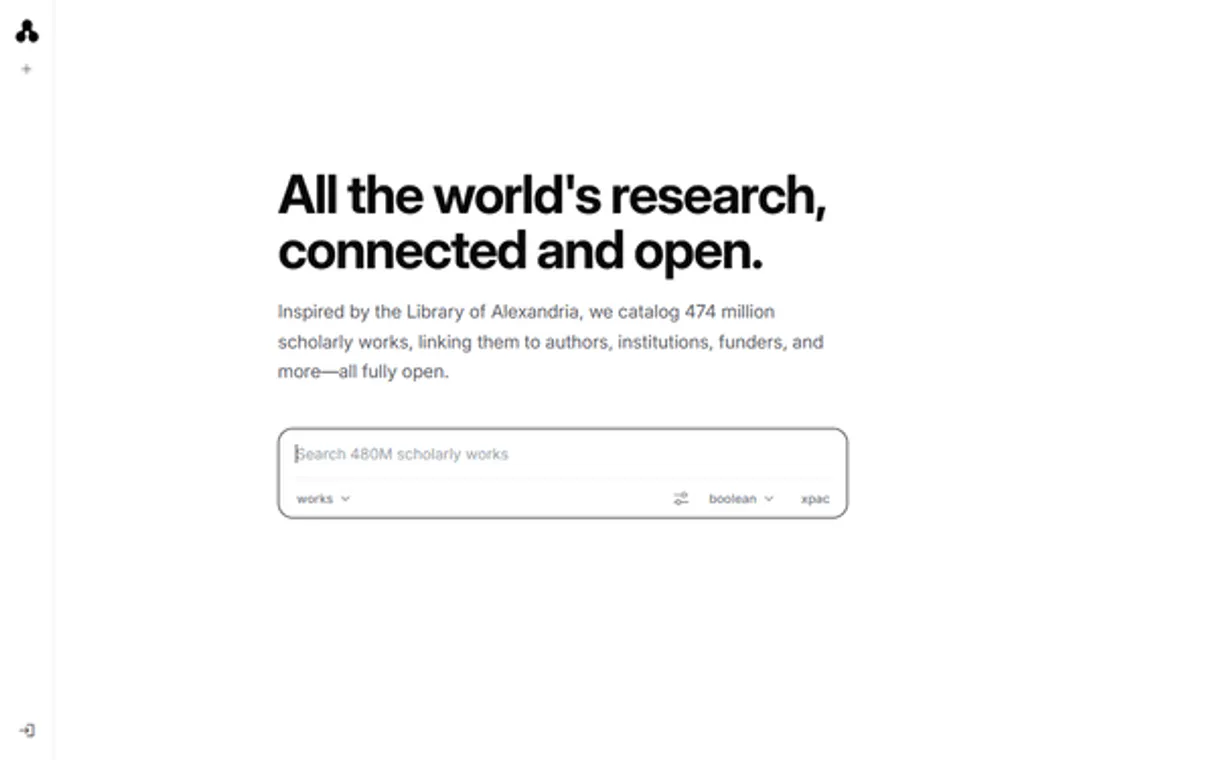
* Every MCP server runs on Vinkius-managed infrastructure inside AWS - a purpose-built runtime with per-request V8 isolates, Ed25519 signed audit chains, and sub-40ms cold starts optimized for native MCP execution. See our infrastructure
About Stanford OpenAlex MCP Server
Connect to the OpenAlex API — the fully open catalog of the global research system.
Mastra's agent abstraction provides a clean separation between LLM logic and Stanford OpenAlex tool infrastructure. Connect 16 tools through Vinkius and use Mastra's built-in workflow engine to chain tool calls with conditional logic, retries, and parallel execution. deployable to any Node.js host in one command.
What you can do
- Works — Search and analyze 250M+ academic works (papers, books, datasets, patents)
- Authors — Browse 90M+ researcher profiles with h-index, i10-index, and citation metrics
- Institutions — Explore 100K+ universities, labs, and research organizations worldwide
- Sources — Query 240K+ journals, conferences, and repositories with impact metrics
- Concepts — Navigate the 65K+ scientific concept taxonomy from broad to specific
- Funders — Discover which organizations fund specific research areas
- Publishers — Analyze the academic publishing landscape
- Topics — Explore hierarchical topic classifications across all of science
- Open Access — Find freely available research papers
The Stanford OpenAlex MCP Server exposes 16 tools through the Vinkius. Connect it to Mastra AI in under two minutes — credentials fully managed, no infrastructure to provision, no vendor lock-in. Your configuration, your data, your control.
All 16 Stanford OpenAlex tools available for Mastra AI
When Mastra AI connects to Stanford OpenAlex through Vinkius, your AI agent gets direct access to every tool listed below — spanning openalex, academic-research, bibliometrics, and more. Every call runs in a secure, isolated environment with full audit visibility. Beyond a simple connection, you get real-time monitoring of agent activity, enterprise governance, and optimized token usage.
Get author on Stanford OpenAlex
Returns name, affiliations, paper count, citation count, h-index, i10-index, 2-year mean citedness, top research concepts, and publication trends by year. The definitive tool for assessing academic impact. Get author profile with h-index, citations, and impact metrics
Get author works on Stanford OpenAlex
Returns works with titles, DOIs, years, citation counts, open access status, and primary venues. Sort by "cited_by_count:desc" for most cited or "publication_date:desc" for most recent. Get all works by a specific author
Get concept on Stanford OpenAlex
Essential for understanding the structure of a research field. Get concept details with ancestors, related concepts, and trends
Get funder on Stanford OpenAlex
Use this to understand which organizations fund specific research areas. Get funder details and funded research statistics
Get institution on Stanford OpenAlex
Get institution details with research metrics and collaborations
Get source on Stanford OpenAlex
Essential for evaluating journal quality and coverage. Get journal or conference details with impact metrics
Get work on Stanford OpenAlex
Accepts OpenAlex IDs (e.g. "W2741809807"), DOIs (e.g. "https://doi.org/10.1038/s41586-021-03819-2"), PubMed IDs (e.g. "pmid:34845388"), or MAG IDs. Returns title, abstract, authors with institutions, concepts, citation count, open access status, and publication details. Get academic work details by OpenAlex ID, DOI, or PubMed ID
Search authors on Stanford OpenAlex
Returns display name, ORCID, works count, citation count, h-index, i10-index, and last known institution. Filter examples: "cited_by_count:>10000", "works_count:>100", "last_known_institutions.country_code:US". Search 90M+ academic authors by name
Search concepts on Stanford OpenAlex
Returns names, levels, descriptions, works counts, and citation counts. Search 65K+ scientific concepts in the knowledge hierarchy
Search funders on Stanford OpenAlex
Returns names, countries, grants counts, works funded, and citation impact. Essential for understanding research funding landscapes. Search funding organizations worldwide
Search institutions on Stanford OpenAlex
Returns names, countries, types, works counts, citation counts, and homepages. Filter examples: "country_code:US", "type:education", "cited_by_count:>1000000". Search 100K+ research institutions worldwide
Search open access on Stanford OpenAlex
This is a specialized filter of the works endpoint that returns only papers with open access PDFs. Ideal for researchers who need freely accessible literature for reading, citation, or meta-analysis. Search only open access academic works
Search publishers on Stanford OpenAlex
Returns names, countries, works counts, and citation counts. Useful for analyzing the publishing landscape. Search academic publishers
Search sources on Stanford OpenAlex
Returns names, ISSNs, types, works counts, citation counts, and open access status. Filter examples: "type:journal", "is_oa:true", "cited_by_count:>100000". Search 240K+ academic journals, conferences, and repositories
Search topics on Stanford OpenAlex
Returns topic names, descriptions, associated works and citations, plus the parent field and domain. Use this to map the landscape of a research area. Search topic classifications across all of science
Search works on Stanford OpenAlex
Supports full-text search plus structured filters. Filter syntax examples: "publication_year:2024", "open_access.is_oa:true", "type:journal-article", "cited_by_count:>100". Sort options: "cited_by_count:desc", "publication_date:desc", "relevance_score:desc". Search 250M+ academic works by keyword or filter
Connect Stanford OpenAlex to Mastra AI via MCP
Follow these steps to wire Stanford OpenAlex into Mastra AI. The entire setup takes under two minutes — your credentials stay safe behind Vinkius.
Install dependencies
npm install @mastra/core @mastra/mcp @ai-sdk/openaiReplace the token
[YOUR_TOKEN_HERE] with your Vinkius tokenRun the agent
agent.ts and run with npx tsx agent.tsExplore tools
Why Use Mastra AI with the Stanford OpenAlex MCP Server
Mastra AI provides unique advantages when paired with Stanford OpenAlex through the Model Context Protocol.
Mastra's agent abstraction provides a clean separation between LLM logic and tool infrastructure. add Stanford OpenAlex without touching business code
Built-in workflow engine chains MCP tool calls with conditional logic, retries, and parallel execution for complex automation
TypeScript-native: full type inference for every Stanford OpenAlex tool response with IDE autocomplete and compile-time checks
One-command deployment to any Node.js host. Vercel, Railway, Fly.io, or your own infrastructure
Stanford OpenAlex + Mastra AI Use Cases
Practical scenarios where Mastra AI combined with the Stanford OpenAlex MCP Server delivers measurable value.
Automated workflows: build multi-step agents that query Stanford OpenAlex, process results, and trigger downstream actions in a typed pipeline
SaaS integrations: embed Stanford OpenAlex as a first-class tool in your product's AI features with Mastra's clean agent API
Background jobs: schedule Mastra agents to query Stanford OpenAlex on a cron and store results in your database automatically
Multi-agent systems: create specialist agents that collaborate using Stanford OpenAlex tools alongside other MCP servers
Example Prompts for Stanford OpenAlex in Mastra AI
Ready-to-use prompts you can give your Mastra AI agent to start working with Stanford OpenAlex immediately.
"Which universities have the highest research output in AI?"
"What are the most cited open access papers on CRISPR?"
"Show me the concept hierarchy for machine learning"
Troubleshooting Stanford OpenAlex MCP Server with Mastra AI
Common issues when connecting Stanford OpenAlex to Mastra AI through Vinkius, and how to resolve them.
createMCPClient not exported
npm install @mastra/mcpStanford OpenAlex + Mastra AI FAQ
Common questions about integrating Stanford OpenAlex MCP Server with Mastra AI.
How does Mastra AI connect to MCP servers?
MCPClient with the server URL and pass it to your agent. Mastra discovers all tools and makes them available with full TypeScript types.Can Mastra agents use tools from multiple servers?
Does Mastra support workflow orchestration?
Explore More MCP Servers
View all →
Clio
12 toolsPractice law more efficiently with legal case management, time tracking, billing, and document organization in one system.

Bizzabo
10 toolsOrchestrate your event experience via Bizzabo — manage events, registrations, and attendees directly from any AI agent.

Bitso Exchange
12 toolsTrade dynamically on Mexico's biggest Crypto Exchange. Access live balances, order books, and command trades programmatically.

Shimo Docs
10 toolsCollaborative office suite and document management platform — manage Word, Excel, and PPT via AI.