
Bring Crm
to Cursor
Create your Vinkius account to connect HighLevel to Cursor and start using all 11 AI tools in minutes. Fully managed, enterprise secure, and ready to use without writing a single line of code. No hosting, no server setup — just connect and start using.
 GDPR Free for Subscribers
Compatible with every major AI agent and IDE
 Gemini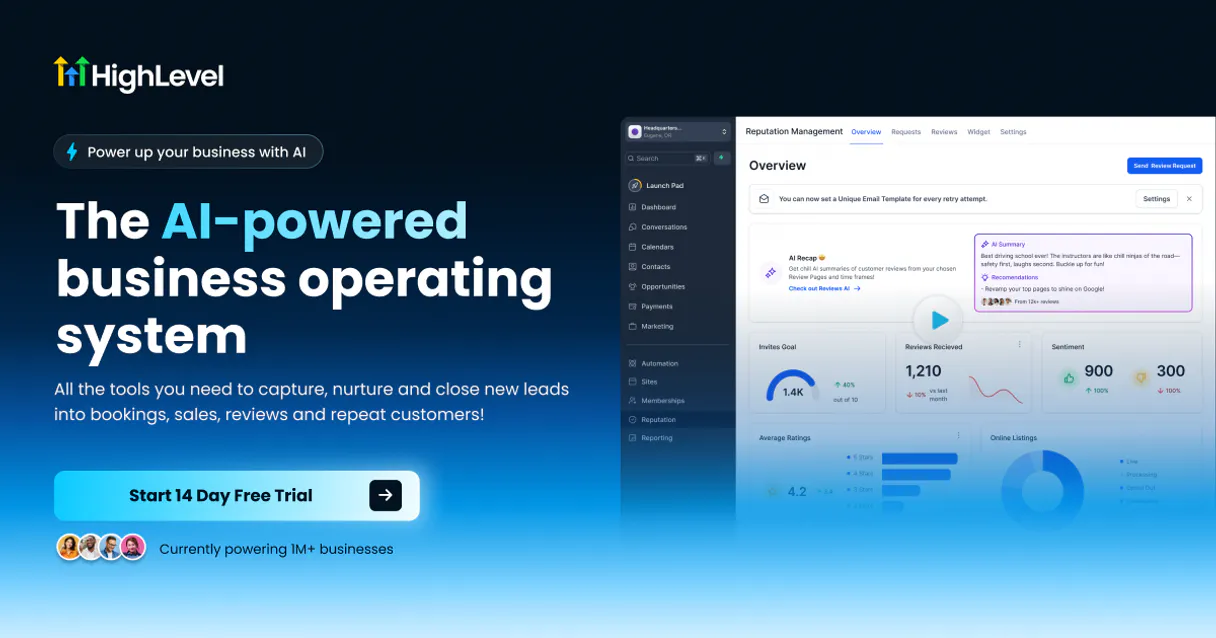
What is the HighLevel MCP Server?
Connect your HighLevel (GoHighLevel) account to any AI agent and take full control of your sales pipeline, contact management, and scheduling through natural conversation.
What you can do
- Contact Oversight — Perform advanced searches for leads, retrieve full profiles, and create new contact records effortlessly.
- Sales Pipelines — List pipelines and search for opportunities to monitor your deals and revenue flow.
- Appointment Management — Access your calendars, check for free slots in real-time, and book appointments directly from the chat.
- Task Coordination — List and create tasks for specific contacts to ensure follow-ups are never missed.
- Location Tracking — Retrieve location-specific tags to categorize and filter your data accurately.
- Unified CRM — Bridge the gap between your marketing and sales activities using the powerful API v2.
How it works
- Subscribe to this server
- Enter your HighLevel API v2 Access Token
- Start managing your CRM from Claude, Cursor, or any MCP-compatible client
No more jumping between complex dashboard views. Your AI assistant acts as a dedicated Sales Assistant or Marketing Operations Lead.
Who is this for?
- Marketing Agencies — instantly retrieve lead details and opportunity statuses for multiple clients.
- Sales Reps — automate the process of logging follow-up tasks and booking meetings.
- Business Owners — maintain a real-time overview of their sales funnel and appointments.
Built-in capabilities (11)
Book a new appointment on a calendar
Pass payload as JSON string in "body_json" (requires firstName, email, or phone). Add a new contact/lead to HighLevel
Assign a new task to a specific contact
Check availability for a specific calendar
Get detailed information for a specific contact
List all calendars available for a location
List all tasks assigned to a specific contact
List all custom tags for a location
List sales pipelines for a specific location
Pass search criteria as a JSON string in "search_json". Search for contacts in HighLevel
Search for opportunities within a pipeline
Why Cursor?
Cursor's Agent mode turns HighLevel into an in-editor superpower. Ask Cursor to generate code using live data from HighLevel and it fetches, processes, and writes. all in a single agentic loop. 11 tools appear alongside file editing and terminal access, creating a unified development environment grounded in real-time information.
- —
Agent mode turns Cursor into an autonomous coding assistant that can read files, run commands, and call MCP tools without switching context
- —
Cursor's Composer feature can generate entire files using real-time data fetched through MCP. no copy-pasting from external dashboards
- —
MCP tools appear alongside built-in tools like file reading and terminal access, creating a unified agentic environment
- —
VS Code extension compatibility means your existing workflow, keybindings, and extensions all work alongside MCP tools
HighLevel in Cursor
Why run HighLevel with Vinkius?
The HighLevel connection runs on our fully managed, secure cloud infrastructure. We handle the hosting, maintenance, and security so you don't have to deal with servers or code. All 11 tools are ready to work instantly without any complex setup.
You stay in complete control of your data. Your AI only accesses the information you approve, keeping your sensitive passwords and private details completely safe. Plus, with automatic optimizations, your AI works faster and more efficiently.
* Every connection is hosted and maintained by Vinkius. We handle the security, updates, and infrastructure so you don't have to write code or manage servers. See our infrastructure
Over 4,000 integrations ready for AI agents
Explore a vast library of pre-built integrations, optimized and ready to deploy.
Connect securely in under 30 seconds
Generate tokens to authenticate and link external services in a single step.
Complete visibility into every agent action
Audit live requests, latency, success rates, and active security compliance policies.
Optimize spending and track token ROI
Analyze real-time token consumption and cost metrics detailed by connection.




Explore our live AI Agents Analytics dashboard to see it all working
This dashboard is included when you connect HighLevel using Vinkius. You will never be left in the dark about what your AI agents are doing with your tools.
HighLevel and 4,000+ other AI tools. No hosting, no code, ready to use.
Professionals who connect HighLevel to Cursor through Vinkius don't need to write code, manage servers, or worry about security. Everything is pre-configured, secure, and runs automatically in the background.
Raw MCP | Vinkius | |
|---|---|---|
| Ready-to-use MCPs | Find and configure each manually | 4,000+ MCPs ready to use |
| Connection Setup | Manual coding & server setup | 1-click instant connection |
| Server Hosting | You host it yourself (needs 24/7 uptime) | 100% hosted & managed by Vinkius |
| Security & Privacy | Stored in plaintext config files | Bank-grade encrypted vault |
| Activity Visibility | Blind execution (no logs or tracking) | Live dashboard with real-time logs |
| Cost Control | Runaway AI token spend risk | Automatic budget limits |
| Revoking Access | Must delete files or code to stop | 1-click disconnect button |
How Vinkius secures
HighLevel for Cursor
Every request between Cursor and HighLevel is protected by our secure gateway. We automatically keep your sensitive data private, prevent unauthorized access, and let you disconnect instantly at any time.
Frequently asked questions
How do I find my HighLevel API v2 Access Token?
You can obtain an API v2 Access Token by creating an application in the HighLevel Developer Portal (marketplace.gohighlevel.com) and performing the OAuth 2.0 handshake. Ensure you grant the necessary scopes for contacts and opportunities.
Can I check calendar availability in real-time?
Yes! Use the get_calendar_free_slots tool by providing the calendar ID and a date range. The agent will return all available appointment slots for that period.
Does the integration support creating new opportunities?
Yes, you can use the create_opportunity tool. You must provide a JSON string containing the pipeline ID, stage ID, and contact details to add a new deal to your sales funnel.
Is the integration secure for CRM data?
Absolutely. The integration uses official HighLevel API v2 OAuth 2.0 Bearer tokens over HTTPS. Your credentials and customer data are encrypted and stored securely within the Vinkius Cloud infrastructure.
What is Agent mode and why does it matter for MCP?
Agent mode is Cursor's autonomous execution mode where the AI can perform multi-step tasks: reading files, editing code, running terminal commands, and calling MCP tools. Without Agent mode, Cursor operates in a simpler ask-and-answer mode that doesn't support tool calling. Always ensure you're in Agent mode when working with MCP servers.
Where does Cursor store MCP configuration?
Cursor looks for MCP server configurations in a mcp.json file. You can configure servers at the project level (.cursor/mcp.json in your project root) or globally (~/.cursor/mcp.json). Project-level configs take precedence.
Can Cursor use MCP tools in inline edits?
No. MCP tools are only available in Agent mode through the chat panel. Inline completions and Tab suggestions do not trigger MCP tool calls. This is by design. tool calls require user visibility and approval.
How do I verify MCP tools are loaded?
Open Settings → Features → MCP and look for your server name. A green indicator means the server is connected. You can also check Agent mode's available tools by clicking the tools dropdown in the chat panel.
Tools not appearing in Cursor
Ensure you are in Agent mode (not Ask mode). MCP tools only work in Agent mode.
Server shows as disconnected
Check Settings → Features → MCP and verify the server status. Try clicking the refresh button.
Explore More MCP Servers
View all →
OpenCage
10 toolsGeocode addresses and reverse-geocode coordinates via OpenCage — convert locations to lat/lng and back with country, language, and privacy filters from any AI agent.
Moneypenny
10 toolsNever miss a business call with dedicated virtual receptionists and live chat agents who represent your brand professionally.

Feathery
11 toolsAutomate forms and user workflows via Feathery — manage users, retrieve form data, and monitor connector logs directly through your AI agent.

Chanty
10 toolsAutomate team communication via Chanty — manage conversations, send messages, invite members, and update statuses using any AI agent.