
Bring Baas
to OpenAI Agents SDK
Create your Vinkius account to connect Swan to OpenAI Agents SDK and start using all 9 AI tools in minutes. Fully managed, enterprise secure, and ready to use without writing a single line of code. No hosting, no server setup — just connect and start using.
 GDPR Free for Subscribers
Compatible with every major AI agent and IDE
 Gemini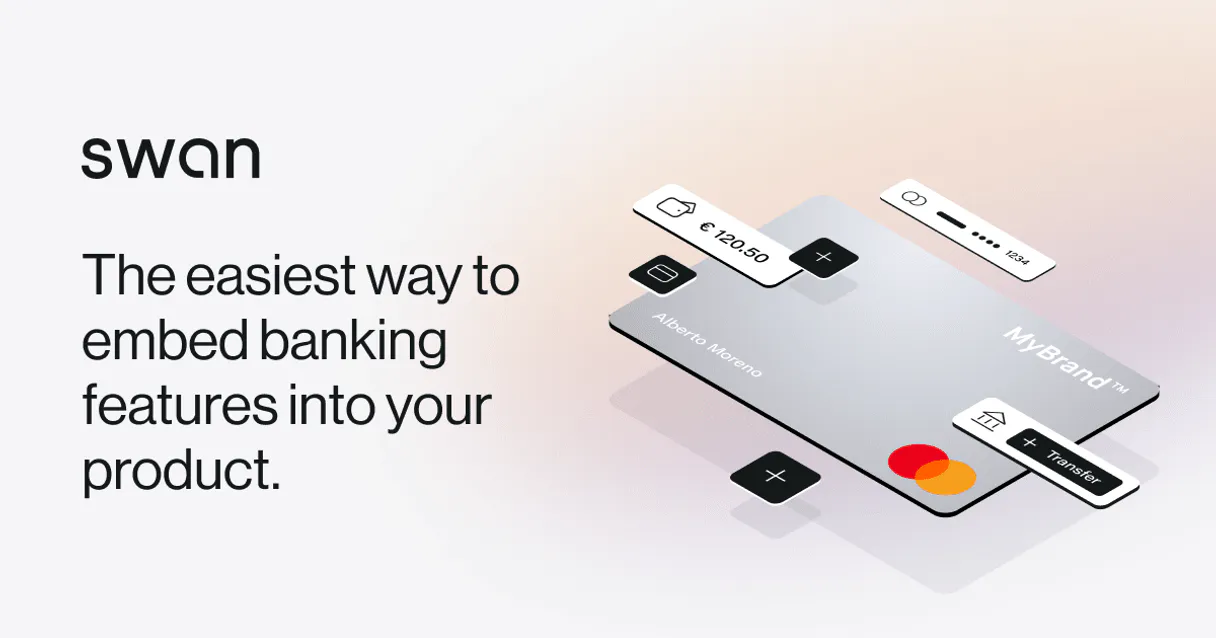
What is the Swan MCP Server?
The Swan MCP Server embeds a complete European Banking-as-a-Service architecture into Vinkius LLMs.
What you can do
- Automated Root Provisioning — Instantly spin up local branch operations allocating FRA or ESP IBAN formats through
swan_create_account. - Card Administration — Ask the agent to generate custom virtual Mastercards assigned exclusively to distinct contractors utilizing
swan_add_virtual_card. - Direct SEPA Execution — Move exact funds safely parsing external creditor data natively through
swan_create_sepa_transferdirectly across European networks.
How it works
- Login to your Swan Partner dashboard.
- In Developer Settings, forge a Project Access Token granting server-to-server structural authority.
- Bind the token securely into Vinkius and set the 'sandbox' environment flag explicitly if performing simulation sweeps.
Who is this for?
- Agile Fintechs — Embed full neobank ledgers natively.
- Corporate Orchestrators — Distribute vendor cards programmatically mitigating manual issuance risks.
Built-in capabilities (9)
Provisions a robust Mastercard Virtual Debit
Permanently cancel a specific corporate card
Requires an existing AccountHolderId. Dynamically provision a European Account under your ledger
Initiate a standard European SEPA Credit Transfer
List all operational Swan Bank Accounts/IBANs
Fetch overarching details about your connected Swan Project Node
Retrieve the ledger history for a specific Account
List all physical and virtual cards
Sandbox Only - Inject fake money
Why OpenAI Agents SDK?
The OpenAI Agents SDK auto-discovers all 9 tools from Swan through native MCP integration. Build agents with built-in guardrails, tracing, and handoff patterns. chain multiple agents where one queries Swan, another analyzes results, and a third generates reports, all orchestrated through Vinkius.
- —
Native MCP integration via
MCPServerSse, pass the URL and the SDK auto-discovers all tools with full type safety - —
Built-in guardrails, tracing, and handoff patterns let you build production-grade agents without reinventing safety infrastructure
- —
Lightweight and composable: chain multiple agents and MCP servers in a single pipeline with minimal boilerplate
- —
First-party OpenAI support ensures optimal compatibility with GPT models for tool calling and structured output
Swan in OpenAI Agents SDK
Why run Swan with Vinkius?
The Swan connection runs on our fully managed, secure cloud infrastructure. We handle the hosting, maintenance, and security so you don't have to deal with servers or code. All 9 tools are ready to work instantly without any complex setup.
You stay in complete control of your data. Your AI only accesses the information you approve, keeping your sensitive passwords and private details completely safe. Plus, with automatic optimizations, your AI works faster and more efficiently.
* Every connection is hosted and maintained by Vinkius. We handle the security, updates, and infrastructure so you don't have to write code or manage servers. See our infrastructure
Over 4,000 integrations ready for AI agents
Explore a vast library of pre-built integrations, optimized and ready to deploy.
Connect securely in under 30 seconds
Generate tokens to authenticate and link external services in a single step.
Complete visibility into every agent action
Audit live requests, latency, success rates, and active security compliance policies.
Optimize spending and track token ROI
Analyze real-time token consumption and cost metrics detailed by connection.




Explore our live AI Agents Analytics dashboard to see it all working
This dashboard is included when you connect Swan using Vinkius. You will never be left in the dark about what your AI agents are doing with your tools.
Swan and 4,000+ other AI tools. No hosting, no code, ready to use.
Professionals who connect Swan to OpenAI Agents SDK through Vinkius don't need to write code, manage servers, or worry about security. Everything is pre-configured, secure, and runs automatically in the background.
Raw MCP | Vinkius | |
|---|---|---|
| Ready-to-use MCPs | Find and configure each manually | 4,000+ MCPs ready to use |
| Connection Setup | Manual coding & server setup | 1-click instant connection |
| Server Hosting | You host it yourself (needs 24/7 uptime) | 100% hosted & managed by Vinkius |
| Security & Privacy | Stored in plaintext config files | Bank-grade encrypted vault |
| Activity Visibility | Blind execution (no logs or tracking) | Live dashboard with real-time logs |
| Cost Control | Runaway AI token spend risk | Automatic budget limits |
| Revoking Access | Must delete files or code to stop | 1-click disconnect button |
How Vinkius secures
Swan for OpenAI Agents SDK
Every request between OpenAI Agents SDK and Swan is protected by our secure gateway. We automatically keep your sensitive data private, prevent unauthorized access, and let you disconnect instantly at any time.
Frequently asked questions
Are actions simulated or operating live on real Ledgers?
If you inject your core Project Access Token with full production permissions and leave the env string off sandbox, yes! It executes heavy Core Banking GraphQL mutations that immediately provision legally compliant EU ledgers behind the scenes.
Can the AI Agent manage physical or virtual credit cards?
Yes. Via swan_add_virtual_card and swan_cancel_card the LLM has complete programmatic control over debit and spend cards mapped to underlying accounts.
Does the system support sandbox incoming money simulation?
Yes! We expose the swan_simulate_incoming_transfer specifically so you can test your programmatic workflows in SandBox by pushing fake money into target ledgers.
How does the OpenAI Agents SDK connect to MCP?
Use MCPServerSse(url=...) to create a server connection. The SDK auto-discovers all tools and makes them available to your agent with full type information.
Can I use multiple MCP servers in one agent?
Yes. Pass a list of MCPServerSse instances to the agent constructor. The agent can use tools from all connected servers within a single run.
Does the SDK support streaming responses?
Yes. The SDK supports SSE and Streamable HTTP transports, both of which work natively with Vinkius.
MCPServerStreamableHttp not found
Ensure you have the latest version: pip install --upgrade openai-agents
Agent not calling tools
Make sure your prompt explicitly references the task the tools can help with.
Explore More MCP Servers
View all →
Speechnotes
12 toolsTranscribe audio files, manage transcription jobs, and export text on Speechnotes with AI agents.
meetergo
12 toolsSchedule meetings intelligently with routing rules that send leads to the right rep based on territory, availability, and deal size.

Songkick
8 toolsGlobal live music database — search concerts, artists, and venues via AI.

Flotiq
10 toolsManage headless content via Flotiq — create and search content objects, handle media assets, audit schemas, and track tenant limits directly from any AI agent.