
Bring Financial Management
to VS Code Copilot
Create your Vinkius account to connect Conta Azul to VS Code Copilot and start using all 15 AI tools in minutes. Fully managed, enterprise secure, and ready to use without writing a single line of code. No hosting, no server setup — just connect and start using.
 GDPR Free for Subscribers
Compatible with every major AI agent and IDE
 Gemini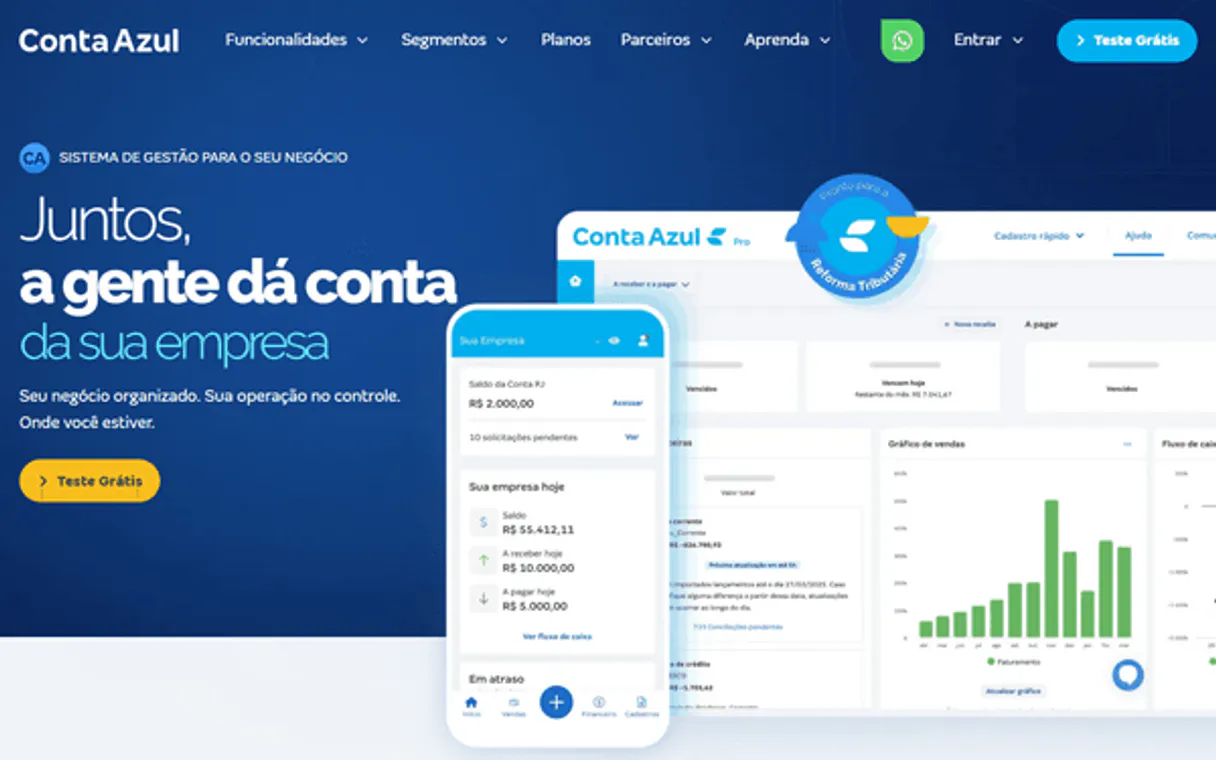
What is the Conta Azul MCP Server?
Connect your Conta Azul account to any AI agent and take full control of your Brazilian business ERP and financial management through natural conversation.
What you can do
- Customer Management — List and search for customers (PJ/PF), audit fiscal documents (CNPJ/CPF), and create new financial entities natively
- Inventory & Services — Map physical products (SKU) and intangible services, retrieve pricing, units of measure, and create new billable components
- Sales Monitoring — List continuous logs of confirmed sales, retrieve detailed accounting matrices for units, and verify invoice statuses
- Recurrence Tracking — Audit financial contracts and automatic agreements to monitor monthly/annual technical debt and expiration dates
- Fiscal Compliance (NF-e) — Retrieve governmental emissions records (NF-e) and validate SEFAZ approval statuses for product invoices
- Financial Structure — Access hierarchical category trees (DRE) and map bank accounts to reconcile monetary positions and internal cash flow
How it works
- Subscribe to this server
- Enter your Conta Azul OAuth 2.0 Access Token (found in the Developer Portal under your Application)
- Start managing your Brazilian ERP from Claude, Cursor, or any MCP-compatible client
Who is this for?
- Business Owners (Brazil) — monitor sales volume and customer balances without logging into the full ERP interface
- Finance Teams — audit bank accounts, categories, and financial contracts using natural language
- Sales Reps — check customer fiscal details and product availability during negotiations
- Accounting Operations — verify NF-e statuses and reconcile billing logs directly from the workspace
Built-in capabilities (15)
Injetar novo registro financeiro PF/PJ definindo estrutura formal dentro do ERP
Mapear bens tangíveis definindo novos componentes faturáveis em Real financeiro
Inserir prestação ativa intangível estritamente precificada na contabilidade
Extrair perfil estático financeiro via UUID rastreando limites PF/PJ explícitos
Ler dados de um item físico individual incluindo limite e unidade de medida
Visualizar blocos confirmados incluindo matrizes exatas contábeis da venda UUID
Mapear bancos físicos conciliando integração extraindo posições monetárias
g. Despesas, Receitas) que formam a espinha dorsal de DRE validada base ContaAzul. Determinar limites contábeis de Plano Analítico nativo classificando recursos
Pesquisar recorrências atestando acordos automáticos limitando vencimentos
Listar base de clientes paginada extraindo entidades corporativas no ERP
Buscar listagem governamental acoplada de emissões NF (Notas de Produto)
Mapear itens físicos catalogados incluindo valores de SKU extraídos estaticamente
Listar logs contínuos extraídos avaliando faturas pendentes emitidas no fluxo
Ler prestação categorizada cobrável na estrutura contábil faturada paginada
Pesquisar perfis corporativos/fiscais comparando documentos restritos via CPF/CNPJ
Why VS Code Copilot?
GitHub Copilot Agent mode brings Conta Azul data directly into your VS Code workflow. With a project-scoped config, the entire team shares access to 15 tools. Copilot queries live data, generates typed code, and writes tests from actual API responses, all without leaving the editor.
- —
VS Code is used by over 70% of developers. adding MCP tools to Copilot means your team can leverage external data without leaving their primary editor
- —
Project-scoped MCP configs (
.vscode/mcp.json) let you commit server configurations to your repository, ensuring the entire team shares the same tool access - —
Copilot's Agent mode integrates MCP tools seamlessly with file editing, terminal commands, and workspace search in a single agentic loop
- —
GitHub's enterprise compliance and audit features extend to MCP tool usage, providing visibility into how AI interacts with external services
Conta Azul in VS Code Copilot
Why run Conta Azul with Vinkius?
The Conta Azul connection runs on our fully managed, secure cloud infrastructure. We handle the hosting, maintenance, and security so you don't have to deal with servers or code. All 15 tools are ready to work instantly without any complex setup.
You stay in complete control of your data. Your AI only accesses the information you approve, keeping your sensitive passwords and private details completely safe. Plus, with automatic optimizations, your AI works faster and more efficiently.
* Every connection is hosted and maintained by Vinkius. We handle the security, updates, and infrastructure so you don't have to write code or manage servers. See our infrastructure
Over 4,000 integrations ready for AI agents
Explore a vast library of pre-built integrations, optimized and ready to deploy.
Connect securely in under 30 seconds
Generate tokens to authenticate and link external services in a single step.
Complete visibility into every agent action
Audit live requests, latency, success rates, and active security compliance policies.
Optimize spending and track token ROI
Analyze real-time token consumption and cost metrics detailed by connection.




Explore our live AI Agents Analytics dashboard to see it all working
This dashboard is included when you connect Conta Azul using Vinkius. You will never be left in the dark about what your AI agents are doing with your tools.
Conta Azul and 4,000+ other AI tools. No hosting, no code, ready to use.
Professionals who connect Conta Azul to VS Code Copilot through Vinkius don't need to write code, manage servers, or worry about security. Everything is pre-configured, secure, and runs automatically in the background.
Raw MCP | Vinkius | |
|---|---|---|
| Ready-to-use MCPs | Find and configure each manually | 4,000+ MCPs ready to use |
| Connection Setup | Manual coding & server setup | 1-click instant connection |
| Server Hosting | You host it yourself (needs 24/7 uptime) | 100% hosted & managed by Vinkius |
| Security & Privacy | Stored in plaintext config files | Bank-grade encrypted vault |
| Activity Visibility | Blind execution (no logs or tracking) | Live dashboard with real-time logs |
| Cost Control | Runaway AI token spend risk | Automatic budget limits |
| Revoking Access | Must delete files or code to stop | 1-click disconnect button |
How Vinkius secures
Conta Azul for VS Code Copilot
Every request between VS Code Copilot and Conta Azul is protected by our secure gateway. We automatically keep your sensitive data private, prevent unauthorized access, and let you disconnect instantly at any time.
Frequently asked questions
Can my agent search for customers using Brazilian documents like CPF or CNPJ?
Yes. The 'search_customers' tool performs iterative regex analysis on names and documents. You can provide a CPF or CNPJ string, and the agent will locate the exact match within your Conta Azul database.
How do I check the status of a specific product invoice (NF-e)?
Use the 'list_nfe' tool. Your agent will sweep governmental emission records and validate the approval status with SEFAZ, ensuring you have real-time visibility into your fiscal compliance.
Can I monitor recurring contracts via the agent?
Absolutely. The 'list_contracts' tool captures financial limits for monthly or annual agreements, allowing your agent to detail continuous links and track expiration dates without generating instant fiscal documents.
How do I check my available bank balance?
Use the 'list_bank_accounts' tool. Your agent will retrieve the real-time balance for all integrated accounts in your Conta Azul workspace.
Which VS Code version supports MCP?
MCP support requires VS Code 1.99 or later with the GitHub Copilot extension. Ensure both are updated to the latest version. Older versions of Copilot may not expose the Agent mode toggle.
How do I switch to Agent mode?
Open the Copilot Chat panel and look for two mode options: "Ask" and "Agent". Click "Agent" to enable autonomous tool calling. In Ask mode, Copilot provides conversational answers but cannot invoke MCP tools.
Can I restrict which MCP tools Copilot can access?
Yes. VS Code shows a tool consent dialog before any MCP tool is invoked for the first time. You can also configure tool access policies at the organization level through GitHub Copilot settings.
Does MCP work in VS Code Remote or Codespaces?
Yes. MCP servers configured via .vscode/mcp.json work in Remote SSH, WSL, and GitHub Codespaces environments. The MCP connection is established from the remote host, so ensure the server URL is accessible from that environment.
MCP tools not available
Ensure you are in Agent mode in Copilot Chat. MCP tools only appear in Agent mode.
Explore More MCP Servers
View all →
Browserbear
10 toolsAutomate browser tasks via Browserbear — take screenshots, scrape data, and run multi-step automations directly from any AI agent.

eSign (e签宝)
10 toolsLeading digital signature and contract platform in China — manage sign flows, templates, and documents via AI.

Arize AI
10 toolsAutomate LLM and ML observability via Arize — monitor models, track telemetry, run evaluations, and analyze data drift directly from any AI agent.

Cacheflow
6 toolsClose SaaS deals faster with automated quoting, billing, and subscription management that removes procurement friction.