
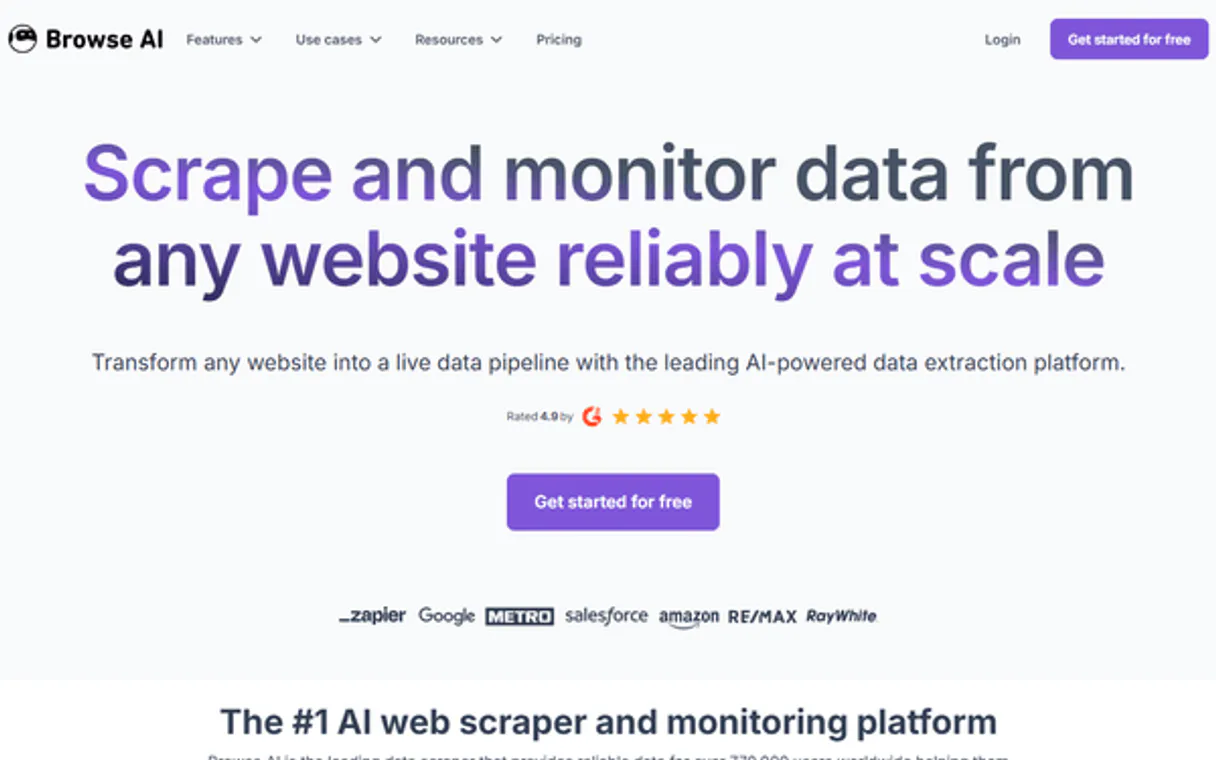
Browse AI MCP Server with 12 Tools for Claude, Cursor, and AI Agents
 GDPR Free for Subscribers
Extract data from any website without code using trained robots that monitor pages and deliver structured results automatically. Vinkius routes your AI agents directly to Browse AI through a governed connection. 12 tools ready to use with Claude, ChatGPT, Cursor, or any AI agent — no hosting, no setup, connect in 30 seconds.
Ask AI about this server
Compatible with every major AI agent and IDE
 Gemini
* Every MCP server runs on Vinkius-managed infrastructure inside AWS - a purpose-built runtime with per-request V8 isolates, Ed25519 signed audit chains, and sub-40ms cold starts optimized for native MCP execution. See our infrastructure
What is the Browse AI MCP Server?
The Browse AI MCP Server routes AI agents like Claude, ChatGPT, and Cursor directly to Browse AI via 12 tools. Extract data from any website without code using trained robots that monitor pages and deliver structured results automatically. Powered by Vinkius — your credentials stay on your side of the connection, every request is auditable. Connect in under 2 minutes.
Built-in capabilities (12)
Tools for your AI Agents to operate Browse AI
Ask your AI agent "List all available scraping robots in my account." and get the answer without opening a single dashboard. With 12 tools connected to real Browse AI data, your agents reason over live information, cross-reference it with other MCP servers, and deliver insights you would spend hours assembling manually.
Works with Claude, ChatGPT, Cursor, and any MCP-compatible client. Powered by Vinkius — your credentials never touch the AI model, every request is auditable. Connect in under two minutes.
Why teams choose Vinkius
One subscription gives you the infrastructure to connect your AI agents to thousands of MCP servers — and deploy your own to the Vinkius Edge. Your credentials stay yours. Your data flows directly between your agent and the API. DLP blocks sensitive information from ever reaching the model, kill switch for instant shutdown, and up to 60% token savings. Enterprise-grade routing and governance, zero maintenance.
Build your own MCP Server with our secure development framework →The Browse AI App Connector works with every AI agent you already use
…and any MCP-compatible client









Use all 12 Browse AI tools with your AI agents right now
Vinkius routes your AI agents to Browse AI through a governed proxy. Beyond a simple connection, you get full visibility into every action your agents perform, with enterprise-grade security and up to 60% savings on AI costs.
Create monitor on Browse AI
Add new schedule
Get robot details on Browse AI
Get robot info
Get run status on Browse AI
Check task progress
Get usage quotas on Browse AI
Check credit balance
Get user profile on Browse AI
Get account info
List active monitors on Browse AI
List scheduled scrapers
List bulk operations on Browse AI
List bulk task runs
List robot history on Browse AI
List past runs
List robot webhooks on Browse AI
Get event configs
List robots on Browse AI
List scraping robots
Remove webhook on Browse AI
Delete robot webhook
Trigger robot run on Browse AI
Start scraping task
What the Browse AI MCP Server unlocks
Connect your Browse AI account to any AI agent and take full control of your no-code web scraping and automated monitoring workflows through natural conversation.
What you can do
- Robot Orchestration — List and manage all web scraping robots in your account programmatically, retrieving detailed configuration and high-fidelity extraction history
- Automated Task Execution — Programmatically trigger new robot runs with custom parameters (e.g., origin URL) to coordinate high-fidelity data collection in real-time
- Website Monitoring Intelligence — Create and manage monitoring schedules to track changes on any website and maintain a perfectly coordinated data pipeline
- Event Architecture — Access and monitor robot webhooks for instant notifications and retrieve detailed log metadata directly through your agent
- Financial Visibility — Programmatically track your account subscription status and credit usage to coordinate your automated data quotas efficiently
How it works
1. Subscribe to this server
2. Retrieve your Secret API Key from your Browse AI dashboard (Account > API)
3. Start collecting web data and monitoring sites from Claude, Cursor, or any MCP client
No more manual logging into the dashboard to check individual extraction tasks. Your AI acts as your dedicated data engineer and monitoring coordinator.
Who is this for?
- Market Researchers — instantly trigger price scraping and competitive monitoring using natural language commands
- Growth Marketers — automate lead generation from public directories and track site changes without leaving your workspace
- Developers — integrate high-speed no-code scraping data into custom workflows through simple AI queries
Frequently asked questions about the Browse AI MCP Server
How do I find my Browse AI Secret API Key?
Log in to your account, navigate to Account > API, and copy your Secret API Key.
Can I override the origin URL via AI?
Yes! The trigger_robot_run tool accepts a jsonInput parameter where you can provide an originUrl to override the robot's default settings.
How do I check my remaining credits?
Use the get_usage_quotas tool to retrieve information about your current subscription and remaining credits directly from the platform.
More in this category

Kintone
8 toolsBuild custom business apps without code using drag-and-drop forms, workflow automation, and team collaboration spaces.
Proforms
12 toolsOnline form builder and data collection.

ReciPal
4 toolsManage food recipes — audit ingredients and nutrition via AI.

Deterministic Global Postal Formatter
1 toolsTransform your AI into a CRM data powerhouse. Automatically validate, clean, and strictly format international postal codes (BR, US, UK, CA) via regex execution.
You might also like

WordPress Subscriber Creator
1 toolsThis MCP does exactly one thing: it registers a new user in your WordPress database with the strictly enforced 'Subscriber' role. Perfect for turning Claude into an automated lead generation or membership onboarding bot.

Corsizio
12 toolsSell event tickets and manage class registrations with a lightweight booking platform that handles payments and attendees.

Apptoto
6 toolsReduce no-shows with smart appointment reminders, automated confirmations, and two-way messaging for every booking.
Alai
12 toolsGenerate professional headshots and profile photos with AI that transforms selfies into studio-quality business portraits.
We built the connector to Browse AI. Now put your agents to work. Fully governed.
Vinkius is the AI Gateway with managed hosting. Stop building connectors. Every connection runs inside eight layers of security.
Hosted, sandboxed, and live on AWS. You don't provision anything. You don't maintain anything. You connect.
Every tool call, every token, every response. Logged and auditable. Data flows direct from Browse AI to your agent. Nothing is stored on our side. Ever.
Eight governance layers on every request. Sensitive data redacted before it reaches the model. Kill switch if anything goes sideways. Always on.