
Bring End To End Encryption
to Vercel AI SDK
Create your Vinkius account to connect Notesnook (Private Note Taking & E2EE) to Vercel AI SDK and start using all 12 AI tools in minutes. Fully managed, enterprise secure, and ready to use without writing a single line of code. No hosting, no server setup — just connect and start using.
 GDPR Free for Subscribers
Compatible with every major AI agent and IDE
 Gemini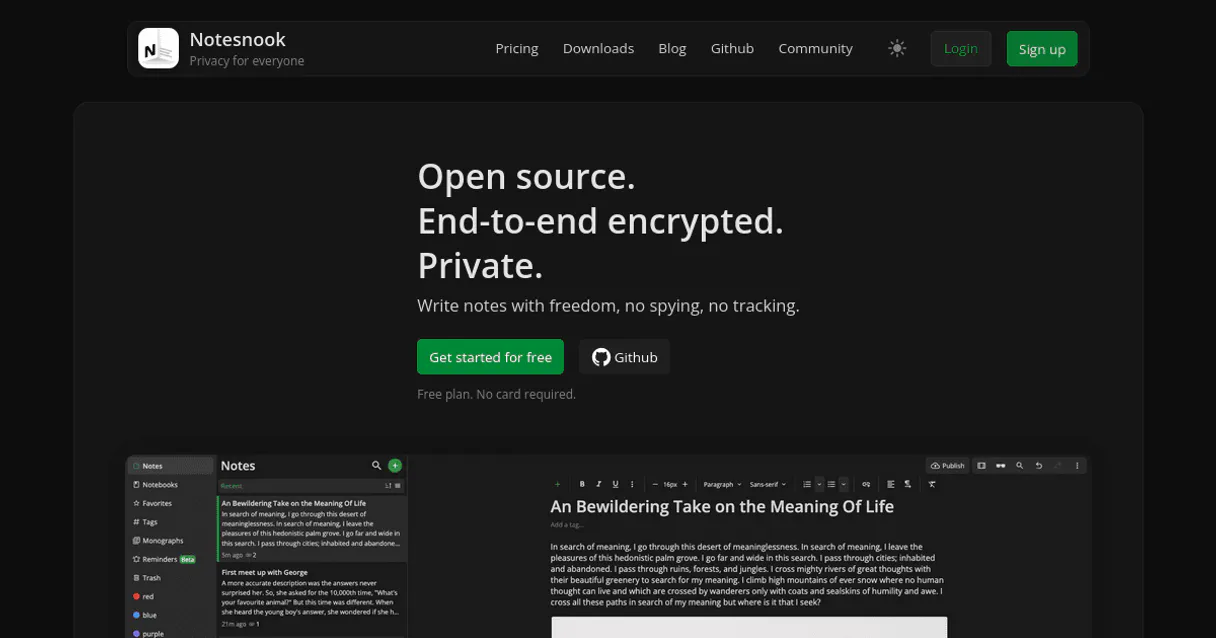
What is the Notesnook (Private Note Taking & E2EE) MCP Server?
Connect your Notesnook account to any AI agent and take full control of your privacy-first knowledge base, zero-knowledge note taking, and secure vault synchronization through natural conversation.
What you can do
- Encrypted Orchestration — List all secure notes and retrieve detailed encrypted payloads including raw text and binary history directly from your agent
- Vault Synchronization — Trigger a full sync with the Notesnook server to resolve encrypted state changes and ensure your local representation is up-to-date
- Secure Note Injection — Instantly create and attach brand new encrypted notes to your vault, securely pushing plaintext into persistent encrypted envelopes natively
- Notebook Navigation — Explore hierarchical notebook groupings to understand your knowledge organization and categorize secure notes across project boundaries
- Metadata & Tag Audit — Enumerate cross-cutting categorical tags and classification indices to identify related information through metadata parameters securely
- Attachment Visibility — List encapsulated binary attachments mapping images, PDFs, and embedded blobs stored persistently inside your encrypted notes
- Lifecycle Management — Update partial strings within existing notes or irreversibly delete specific entries to maintain a clean and relevant secure workspace
How it works
- Subscribe to this server
- Enter your Notesnook Sync URL and Auth Token
- Start managing your private vault from Claude, Cursor, or any MCP-compatible client
Who is this for?
- Privacy-Conscious Users — organize sensitive thoughts and research through natural conversation without exposing data to third-party providers
- Knowledge Workers — manage technical documentation and project snippets directly from your IDE while maintaining full zero-knowledge security
- Researchers — retrieve rapid summaries of favorited notes and audit large collections of encrypted information efficiently
Built-in capabilities (12)
This will securely push plaintext into an encrypted envelope stored persistently in the Notesnook sync server. Create and inject a brand new encrypted note into the vault
Destroys the node logic completely inside the encrypted persistence layer. Irreversibly delete a specific encrypted note from the server
Retrieve the underlying encrypted cipher payload of a single note
Validate the authenticated Notesnook user security identity
List encapsulated binary attachments mapped against notes
List high-priority specific notes flagged as favorites
Critical for correlating hierarchical IDs before exploring note clusters. List boundary organizing Notebooks spanning the vault
Indispensable for discovering target node IDs prior to fetching decryption contexts. List all encrypted notes securely stored in the Notesnook vault
List cross-cutting categorical classification Tags indexing Notes
Identifies tracking records physically slated for permanent erasure. List nodes trapped inside the local vault waste bin
Yields encrypted binary objects based on the last sync timestamp boundaries. Trigger a full sync with the Notesnook server resolving vault state
Updates synchronization timelines and forces re-encryption across the specific item payload. Modify partial strings within a pre-existing encrypted vault note
Why Vercel AI SDK?
The Vercel AI SDK gives every Notesnook (Private Note Taking & E2EE) tool full TypeScript type inference, IDE autocomplete, and compile-time error checking. Connect 12 tools through Vinkius and stream results progressively to React, Svelte, or Vue components. works on Edge Functions, Cloudflare Workers, and any Node.js runtime.
- —
TypeScript-first: every MCP tool gets full type inference, IDE autocomplete, and compile-time error checking out of the box
- —
Framework-agnostic core works with Next.js, Nuxt, SvelteKit, or any Node.js runtime. same Notesnook (Private Note Taking & E2EE) integration everywhere
- —
Built-in streaming UI primitives let you display Notesnook (Private Note Taking & E2EE) tool results progressively in React, Svelte, or Vue components
- —
Edge-compatible: the AI SDK runs on Vercel Edge Functions, Cloudflare Workers, and other edge runtimes for minimal latency
Notesnook (Private Note Taking & E2EE) in Vercel AI SDK
Why run Notesnook (Private Note Taking & E2EE) with Vinkius?
The Notesnook (Private Note Taking & E2EE) connection runs on our fully managed, secure cloud infrastructure. We handle the hosting, maintenance, and security so you don't have to deal with servers or code. All 12 tools are ready to work instantly without any complex setup.
You stay in complete control of your data. Your AI only accesses the information you approve, keeping your sensitive passwords and private details completely safe. Plus, with automatic optimizations, your AI works faster and more efficiently.
* Every connection is hosted and maintained by Vinkius. We handle the security, updates, and infrastructure so you don't have to write code or manage servers. See our infrastructure
Over 4,000 integrations ready for AI agents
Explore a vast library of pre-built integrations, optimized and ready to deploy.
Connect securely in under 30 seconds
Generate tokens to authenticate and link external services in a single step.
Complete visibility into every agent action
Audit live requests, latency, success rates, and active security compliance policies.
Optimize spending and track token ROI
Analyze real-time token consumption and cost metrics detailed by connection.




Explore our live AI Agents Analytics dashboard to see it all working
This dashboard is included when you connect Notesnook (Private Note Taking & E2EE) using Vinkius. You will never be left in the dark about what your AI agents are doing with your tools.
Notesnook (Private Note Taking & E2EE) and 4,000+ other AI tools. No hosting, no code, ready to use.
Professionals who connect Notesnook (Private Note Taking & E2EE) to Vercel AI SDK through Vinkius don't need to write code, manage servers, or worry about security. Everything is pre-configured, secure, and runs automatically in the background.
Raw MCP | Vinkius | |
|---|---|---|
| Ready-to-use MCPs | Find and configure each manually | 4,000+ MCPs ready to use |
| Connection Setup | Manual coding & server setup | 1-click instant connection |
| Server Hosting | You host it yourself (needs 24/7 uptime) | 100% hosted & managed by Vinkius |
| Security & Privacy | Stored in plaintext config files | Bank-grade encrypted vault |
| Activity Visibility | Blind execution (no logs or tracking) | Live dashboard with real-time logs |
| Cost Control | Runaway AI token spend risk | Automatic budget limits |
| Revoking Access | Must delete files or code to stop | 1-click disconnect button |
How Vinkius secures
Notesnook (Private Note Taking & E2EE) for Vercel AI SDK
Every request between Vercel AI SDK and Notesnook (Private Note Taking & E2EE) is protected by our secure gateway. We automatically keep your sensitive data private, prevent unauthorized access, and let you disconnect instantly at any time.
Frequently asked questions
How does Notesnook ensure my notes remain private through the agent?
Notesnook uses end-to-end encryption (E2EE). When your agent uses the create_note or get_note tools, it handles encrypted envelopes. This ensures that only authorized clients with your keys can decrypt the actual text body, maintaining zero-knowledge security natively.
Can I see all my notebooks and tags using my agent?
Yes. Use the list_notebooks and list_tags tools to retrieve the organizational hierarchy of your vault. Your agent will report the names and IDs, helping you understand how your encrypted information is classified across your account.
How do I trigger a synchronization between my vault and the server?
The sync_items tool allows your agent to initiate a full or incremental state resolution. By providing a Unix timestamp, your agent can fetch only the most recent encrypted binary objects, ensuring your local environment matches the server's state.
How does the Vercel AI SDK connect to MCP servers?
Import createMCPClient from @ai-sdk/mcp and pass the server URL. The SDK discovers all tools and provides typed TypeScript interfaces for each one.
Can I use MCP tools in Edge Functions?
Yes. The AI SDK is fully edge-compatible. MCP connections work on Vercel Edge Functions, Cloudflare Workers, and similar runtimes.
Does it support streaming tool results?
Yes. The SDK provides streaming primitives like useChat and streamText that handle tool calls and display results progressively in the UI.
createMCPClient is not a function
Install: npm install @ai-sdk/mcp
Explore More MCP Servers
View all →
Dynamic (Web3 Auth)
8 toolsManage Web3 authentication and user data via Dynamic — fetch user profiles, check wallet sanctions, and manage sessions directly from any AI agent.

Wiktionary
2 toolsUniversal linguistic intelligence — get word definitions, etymologies, and examples via AI.

Backblaze B2
10 toolsManage Backblaze B2 Cloud Storage via AI — control buckets, file versions, objects, and access rules autonomously.
H2O.ai
6 toolsManage AI models via H2O.ai — track data frames, monitor machine learning models and training jobs, and audit cloud cluster status directly from any AI agent.