
Bring Route Optimization
to AutoGen
Create your Vinkius account to connect Routific to AutoGen and start using all 10 AI tools in minutes. Fully managed, enterprise secure, and ready to use without writing a single line of code. No hosting, no server setup — just connect and start using.
 GDPR Free for Subscribers
Compatible with every major AI agent and IDE
 Gemini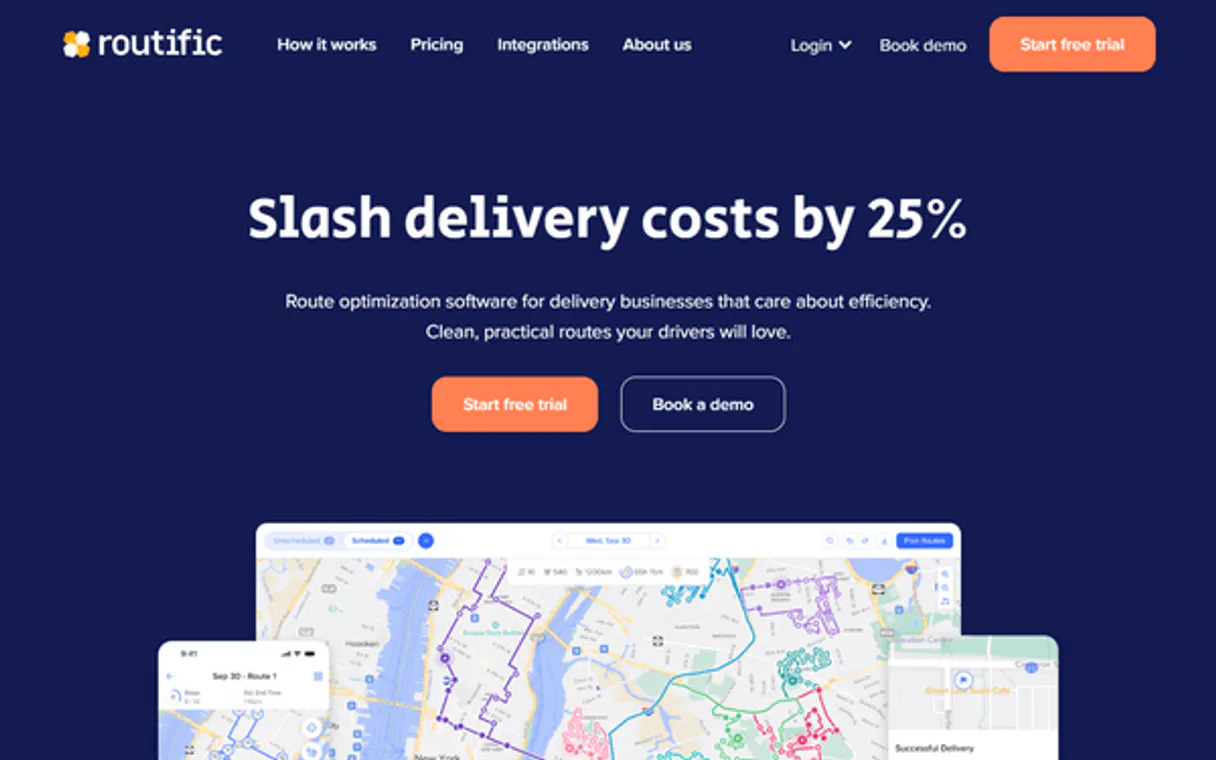
What is the Routific MCP Server?
Connect your conversational assistant directly to Routific, a premier logistics scaling platform. This integration seamlessly turns your AI into an advanced delivery dispatcher, allowing you to build multi-stop route solutions securely, manage outstanding delivery jobs, and proactively push dispatch tasks directly to drivers' mobile apps natively in one window.
What you can do
- Automate VRP Computations — Submit basic logistics parameters (
solve_standalone_vrp) or delegate massive multi-depot configurations organically (solve_async_vrp_long) and query asynchronous status returns effortlessly (poll_async_solution). - Control Saas Delivery Jobs — Tell the AI to actively audit outstanding orders (
list_platform_jobs) or create fresh delivery injections accurately handling order constraints and priorities directly into the system (create_saas_job,update_saas_job). - Assemble & Publish Timelines — Review the resulting stop-by-stop ETAs securely calculated by algorithms natively inside the interface (
get_route_timeline). Once completely satisfied, simply push the finalized route natively to the targeted driver's phone with an organic command (publish_route_to_driver).
How it works
- Install the Routific operations module into your active MCP network architecture.
- Sign in online to your Routific backend console normally using administrative or owner-level developer permissions and acquire a unique authorization bearer token assigned selectively to you in Settings.
- Paste the generated
Routific API Tokendensely into the secure component form variables completely locked down below. - Issue organic text questions natively to the interface: "Generate a standalone route resolving 4 pending visits and subsequently publish it smoothly to the designated driver's Routific mobile app."
Who is this for?
- Fleet Owners & Dispatchers — Dynamically alter and resolve ongoing jobs via simple conversational overrides without needing to fight with routing engine web variables when managing live chaos continuously natively.
- Logistics Center Operations — Fetch precise route matrices seamlessly containing granular ETAs dynamically parsed from the system without relying strictly upon legacy internal integrations proactively natively.
- Enterprise Product Engineers — Easily execute deep and massive asynchronous routing batches proactively through an intuitive text interface dynamically tied natively to standard APIs natively natively.
Built-in capabilities (10)
This action is irreversible. Cancels and deletes a delivery job from the platform
Creates a new route plan in the platform
Provide a JSON object with order details. Creates a new delivery job in the platform
Retrieves the stop-by-stop timeline for a route
Lists all delivery jobs in the Routific platform
Polls the status of an asynchronous VRP job
Publishes a route to the driver's mobile app
Returns a job ID for polling. Submits a large Vehicle Routing Problem for asynchronous solving
Provide a JSON object with visits, fleet, and options. Solves a standalone Vehicle Routing Problem synchronously
Updates an existing delivery job
Why AutoGen?
AutoGen enables multi-agent conversations where agents negotiate, delegate, and collaboratively use Routific tools. Connect 10 tools through Vinkius and assign role-based access. a data analyst queries while a reviewer validates, with optional human-in-the-loop approval for sensitive operations.
- —
Multi-agent conversations: multiple AutoGen agents discuss, delegate, and collaboratively use Routific tools to solve complex tasks
- —
Role-based architecture lets you assign Routific tool access to specific agents. a data analyst queries while a reviewer validates
- —
Human-in-the-loop support: agents can pause for human approval before executing sensitive Routific tool calls
- —
Code execution sandbox: AutoGen agents can write and run code that processes Routific tool responses in an isolated environment
Routific in AutoGen
Why run Routific with Vinkius?
The Routific connection runs on our fully managed, secure cloud infrastructure. We handle the hosting, maintenance, and security so you don't have to deal with servers or code. All 10 tools are ready to work instantly without any complex setup.
You stay in complete control of your data. Your AI only accesses the information you approve, keeping your sensitive passwords and private details completely safe. Plus, with automatic optimizations, your AI works faster and more efficiently.
* Every connection is hosted and maintained by Vinkius. We handle the security, updates, and infrastructure so you don't have to write code or manage servers. See our infrastructure
Over 4,000 integrations ready for AI agents
Explore a vast library of pre-built integrations, optimized and ready to deploy.
Connect securely in under 30 seconds
Generate tokens to authenticate and link external services in a single step.
Complete visibility into every agent action
Audit live requests, latency, success rates, and active security compliance policies.
Optimize spending and track token ROI
Analyze real-time token consumption and cost metrics detailed by connection.




Explore our live AI Agents Analytics dashboard to see it all working
This dashboard is included when you connect Routific using Vinkius. You will never be left in the dark about what your AI agents are doing with your tools.
Routific and 4,000+ other AI tools. No hosting, no code, ready to use.
Professionals who connect Routific to AutoGen through Vinkius don't need to write code, manage servers, or worry about security. Everything is pre-configured, secure, and runs automatically in the background.
Raw MCP | Vinkius | |
|---|---|---|
| Ready-to-use MCPs | Find and configure each manually | 4,000+ MCPs ready to use |
| Connection Setup | Manual coding & server setup | 1-click instant connection |
| Server Hosting | You host it yourself (needs 24/7 uptime) | 100% hosted & managed by Vinkius |
| Security & Privacy | Stored in plaintext config files | Bank-grade encrypted vault |
| Activity Visibility | Blind execution (no logs or tracking) | Live dashboard with real-time logs |
| Cost Control | Runaway AI token spend risk | Automatic budget limits |
| Revoking Access | Must delete files or code to stop | 1-click disconnect button |
How Vinkius secures
Routific for AutoGen
Every request between AutoGen and Routific is protected by our secure gateway. We automatically keep your sensitive data private, prevent unauthorized access, and let you disconnect instantly at any time.
Frequently asked questions
Can the AI push routes dynamically to drivers' smartphones automatically?
Yes! Activating the publish_route_to_driver function dynamically interacts with the saas infrastructure, natively pushing an authorized manifest to the delivery team's active Routific phone apps flawlessly.
Does `solve_standalone_vrp` handle extremely large thousands of stops simultaneously efficiently?
For very large batches, use solve_async_vrp_long instead. It processes the request asynchronously and you can poll for results with poll_async_solution. The standalone solver is best for smaller, real-time requests.
Can the integration update a delivery job after it has been created?
Yes. Use update_saas_job to modify constraints, priorities, or delivery details on an existing job without having to delete and recreate it.
How does AutoGen connect to MCP servers?
Create an MCP tool adapter and assign it to one or more agents in the group chat. AutoGen agents can then call Routific tools during their conversation turns.
Can different agents have different MCP tool access?
Yes. AutoGen's role-based architecture lets you assign specific MCP tools to specific agents, so a querying agent has different capabilities than a reviewing agent.
Does AutoGen support human approval for tool calls?
Yes. Configure human-in-the-loop mode so agents pause and request approval before executing sensitive MCP tool calls.
McpWorkbench not found
Install: pip install "autogen-ext[mcp]"
Explore More MCP Servers
View all →
NCDC Climate Data Online
10 toolsAccess authoritative historical weather and climate data via NCDC — track datasets, stations, and climate records directly from your AI agent.

SecurityTrails
10 toolsUncover IT infrastructure — access DNS history, subdomains, reverse IP lookups, WHOIS data and advanced domain intelligence for ultimate OSINT.

Hotjar
15 toolsUnderstand your users with heatmaps, session recordings, and feedback surveys that reveal exactly why visitors leave your site.
SEC EDGAR
3 toolsOfficial US corporate filings database — access 10-K, 10-Q, and financial data via AI.