
Bring Community Building
to Claude Desktop
Create your Vinkius account to connect Meetup to Claude Desktop and start using all 5 AI tools in minutes. Fully managed, enterprise secure, and ready to use without writing a single line of code. No hosting, no server setup — just connect and start using.
 GDPR Free for Subscribers
Compatible with every major AI agent and IDE
 Gemini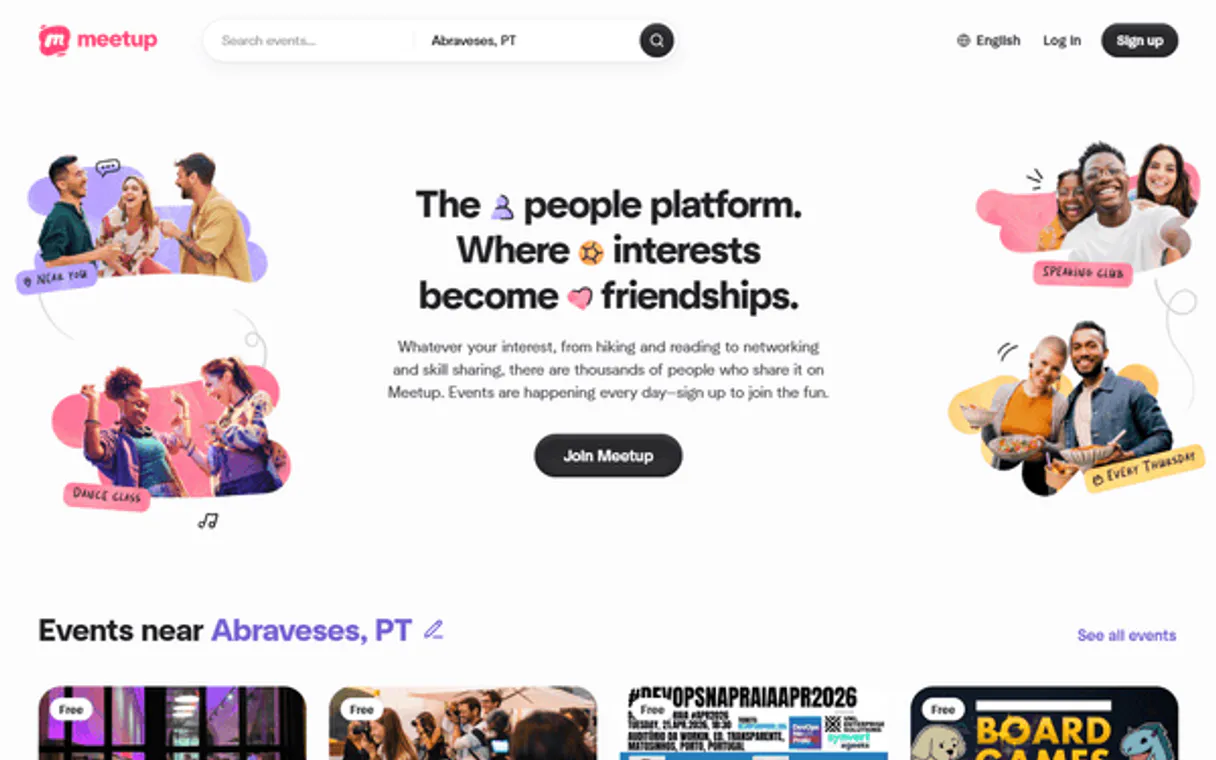
What is the Meetup MCP Server?
Empower your AI agent to orchestrate your entire community ecosystem with Meetup, the world's most trusted platform for finding and building local communities. By connecting Meetup to your agent, you transform complex group management into a natural conversation. Your agent can instantly list upcoming events, audit group memberships, and retrieve detailed event metadata without you ever touching a dashboard. Whether you are a community organizer or a frequent attendee, your agent acts as a real-time community coordinator, ensuring your event calendar is always monitored and your community reach is quantified.
What you can do
- Event Auditing — List all upcoming events for any group and retrieve detailed metadata, including times and event URLs.
- Group Oversight — Search for new groups by keyword and monitor community distribution across your interests.
- Member Administration — Query member lists for your groups to stay on top of your community growth and participation.
- Event Intelligence — Retrieve full descriptions and details for specific events to ensure organizational alignment.
- Discovery Monitoring — Browse and identify new community opportunities through high-speed keyword search.
How it works
- Subscribe to this server
- Enter your Meetup Access Token
- Start managing your community through Claude, Cursor, or any MCP-compatible client
Who is this for?
- Community Organizers — monitor event signups and member growth straight from your workflow.
- Marketing Leads — verify if new events have been correctly published and described for maximum reach.
- Networking Professionals — perform rapid audits of local groups and identify relevant events without manual searching.
- Operations Leads — automate community querying to orchestrate cross-functional outreach teams smoothly.
Built-in capabilities (5)
Get details for a specific event
Get authenticated user info from Meetup
List members of a Meetup group
List upcoming events for a Meetup group
Search for Meetup groups by keyword
Why Claude Desktop?
Claude Desktop is the definitive way to connect Meetup to your AI workflow. Add Vinkius Edge URL to your config, restart the app, and Claude immediately exposes all 5 tools in the chat interface. ask a question, Claude calls the right tool, and you see the answer. Zero code, zero context switching.
- —
Claude Desktop is the reference MCP client. it was designed alongside the protocol itself, ensuring the most complete and stable MCP implementation available
- —
Zero-code configuration: add a server URL to a JSON file and Claude instantly discovers and exposes all available tools in the chat interface
- —
Claude's extended thinking capability lets it reason through multi-step tool usage, chaining multiple API calls to answer complex questions
- —
Enterprise-grade security with local config storage. your tokens never leave your machine, and connections go directly to Vinkius Edge network
Meetup in Claude Desktop
Why run Meetup with Vinkius?
The Meetup connection runs on our fully managed, secure cloud infrastructure. We handle the hosting, maintenance, and security so you don't have to deal with servers or code. All 5 tools are ready to work instantly without any complex setup.
You stay in complete control of your data. Your AI only accesses the information you approve, keeping your sensitive passwords and private details completely safe. Plus, with automatic optimizations, your AI works faster and more efficiently.
* Every connection is hosted and maintained by Vinkius. We handle the security, updates, and infrastructure so you don't have to write code or manage servers. See our infrastructure
Over 4,000 integrations ready for AI agents
Explore a vast library of pre-built integrations, optimized and ready to deploy.
Connect securely in under 30 seconds
Generate tokens to authenticate and link external services in a single step.
Complete visibility into every agent action
Audit live requests, latency, success rates, and active security compliance policies.
Optimize spending and track token ROI
Analyze real-time token consumption and cost metrics detailed by connection.




Explore our live AI Agents Analytics dashboard to see it all working
This dashboard is included when you connect Meetup using Vinkius. You will never be left in the dark about what your AI agents are doing with your tools.
Meetup and 4,000+ other AI tools. No hosting, no code, ready to use.
Professionals who connect Meetup to Claude Desktop through Vinkius don't need to write code, manage servers, or worry about security. Everything is pre-configured, secure, and runs automatically in the background.
Raw MCP | Vinkius | |
|---|---|---|
| Ready-to-use MCPs | Find and configure each manually | 4,000+ MCPs ready to use |
| Connection Setup | Manual coding & server setup | 1-click instant connection |
| Server Hosting | You host it yourself (needs 24/7 uptime) | 100% hosted & managed by Vinkius |
| Security & Privacy | Stored in plaintext config files | Bank-grade encrypted vault |
| Activity Visibility | Blind execution (no logs or tracking) | Live dashboard with real-time logs |
| Cost Control | Runaway AI token spend risk | Automatic budget limits |
| Revoking Access | Must delete files or code to stop | 1-click disconnect button |
How Vinkius secures
Meetup for Claude Desktop
Every request between Claude Desktop and Meetup is protected by our secure gateway. We automatically keep your sensitive data private, prevent unauthorized access, and let you disconnect instantly at any time.
Frequently asked questions
How do I find my Meetup Access Token?
You must perform an OAuth 2.0 flow to generate a Bearer Token for your account. Please refer to the Meetup API documentation for setup steps. Copy and paste it below.
Can the agent list upcoming events for any group?
Yes. Use the list_upcoming_events tool providing the group's urlname. Your agent will retrieve the next 10 events, including their titles and scheduled times.
Is it possible to search for new communities via the agent?
Yes. The search_groups tool allows your agent to query the Meetup platform for groups matching a specific keyword, helping you discover new community opportunities.
How does Claude Desktop discover MCP tools?
When Claude Desktop starts, it reads the claude_desktop_config.json file and connects to each configured MCP server. It calls the tools/list endpoint to fetch the schema for every available tool, then surfaces them as clickable options in the chat interface via the 🔌 icon.
What happens if the MCP server is temporarily unavailable?
Claude Desktop handles disconnections gracefully. if the server is unreachable at startup, the tools simply won't appear. Once the server becomes available again, restarting Claude Desktop will re-establish the connection. There is no timeout penalty or error loop.
Can I connect multiple MCP servers simultaneously?
Yes. You can add as many servers as you need in the mcpServers section of the config file. Each server appears as a separate tool provider, and Claude can use tools from multiple servers in a single conversation turn.
Is there a limit on the number of tools per server?
Claude Desktop can handle hundreds of tools per server. However, for optimal LLM performance, Vinkius servers are designed to expose focused, well-documented tool sets rather than overwhelming the model with too many options.
Does Claude Desktop support Streamable HTTP transport?
Yes. Claude Desktop supports both SSE (Server-Sent Events) and the newer Streamable HTTP transport that Vinkius uses. Simply provide the server URL. Claude auto-negotiates the transport protocol.
Server not appearing after restart
Ensure the JSON is valid (no trailing commas). Check the file path: ~/Library/Application Support/Claude/claude_desktop_config.json (macOS) or %APPDATA%\\Claude\\ (Windows).
Authentication error
Verify your Vinkius token is correct. Go to cloud.vinkius.com to regenerate it if needed.
Tools not showing in chat
Click the 🔌 icon at the bottom of the chat input. If it shows 0 tools, the server may still be connecting. wait a few seconds.
Explore More MCP Servers
View all →
AT&T 5G
9 toolsAccess Open Gateway 5G Network APIs -- Number Verify, Device Location, SIM Swap detection, Quality on Demand, and Network Slicing via AT&T.

Eventbrite
12 toolsCreate events, sell tickets, and manage attendees with the world largest self-service ticketing platform for any occasion.

IMDB API (Unofficial)
4 toolsSearch movies and TV shows — audit ratings, cast, and metadata via IA.

Deterministic Math Expression Evaluator
1 toolsEquip your AI with flawless algebraic parsing. Safely evaluate complex mathematical string expressions without using vulnerable `eval()` execution.