
Bring Netease
to LlamaIndex
Create your Vinkius account to connect NetEase Cloud Gaming to LlamaIndex and start using all 10 AI tools in minutes. Fully managed, enterprise secure, and ready to use without writing a single line of code. No hosting, no server setup — just connect and start using.
 GDPR Free for Subscribers
Compatible with every major AI agent and IDE
 Gemini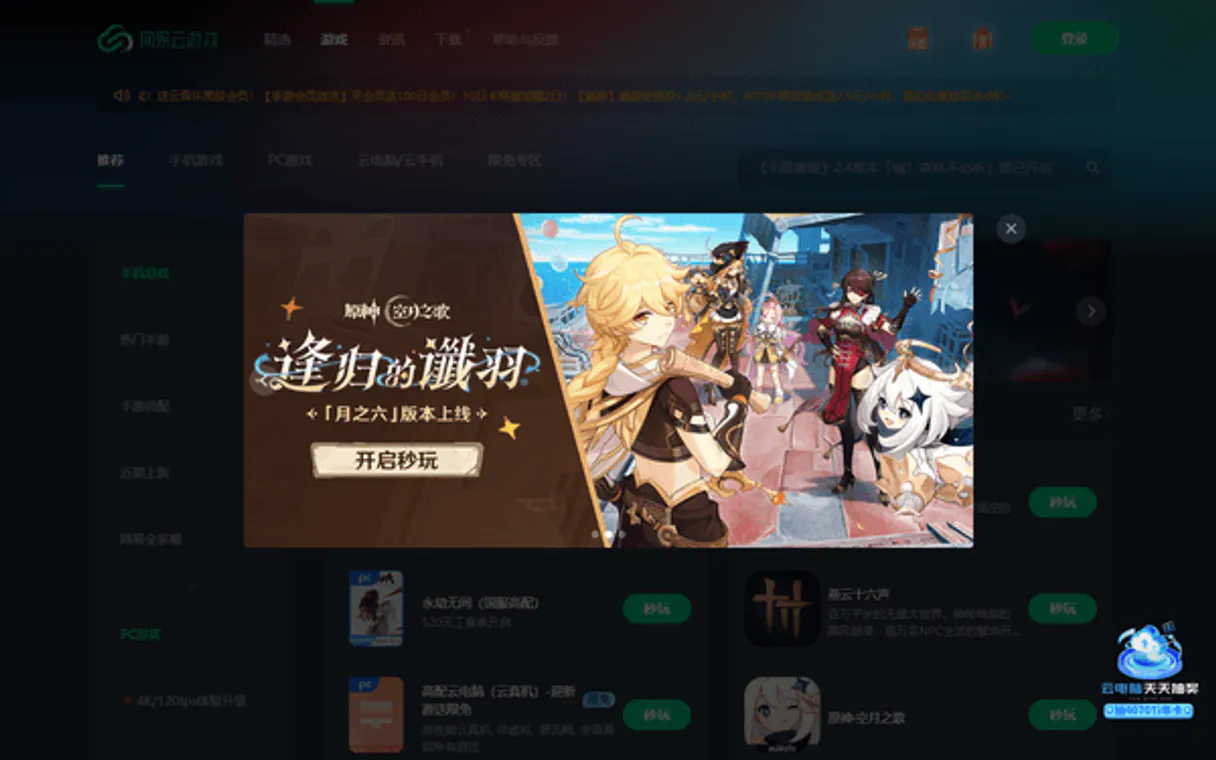
What is the NetEase Cloud Gaming MCP Server?
Connect your AI agents to NetEase Cloud Gaming (网易云游戏), the leading platform for instant cloud-native gaming. This MCP provides 10 tools to manage the entire lifecycle of cloud gaming sessions and user access controls.
What you can do
- Session Control — Create, stop, and monitor cloud gaming sessions with real-time status updates
- Catalog Management — List optimized games and retrieve detailed technical specifications
- Quota Orchestration — Monitor and adjust user play time quotas and subscription limits
- Infrastructure Monitoring — Inspect server clusters and check global system health
How it works
- Subscribe to this server
- Register at the NetEase Games Developer Platform
- Apply for the Cloud Gaming (大神云) service access
- Generate your AccessKey and SecretKey from the developer console
- Configure your integration in Vurb to start managing your cloud gaming instances.
Who is this for?
- Game Developers — bridge in-game events with cloud instance lifecycle management
- Live Operations — monitor server health and user session distribution
- Platform Integrators — build custom cloud gaming portals using NetEase infrastructure
Built-in capabilities (10)
Add cloud play time to a user account
Initialize a new NetEase cloud gaming session
Get detailed info for a specific cluster
Get details for a specific NetEase cloud game
Check the status of a cloud gaming session
Check overall health of the NetEase Cloud Gaming platform
Get remaining cloud play time for a user
List cloud gaming server clusters
List games available on NetEase Cloud Gaming
Force stop an active cloud gaming session
Why LlamaIndex?
LlamaIndex agents combine NetEase Cloud Gaming tool responses with indexed documents for comprehensive, grounded answers. Connect 10 tools through Vinkius and query live data alongside vector stores and SQL databases in a single turn. ideal for hybrid search, data enrichment, and analytical workflows.
- —
Data-first architecture: LlamaIndex agents combine NetEase Cloud Gaming tool responses with indexed documents for comprehensive, grounded answers
- —
Query pipeline framework lets you chain NetEase Cloud Gaming tool calls with transformations, filters, and re-rankers in a typed pipeline
- —
Multi-source reasoning: agents can query NetEase Cloud Gaming, a vector store, and a SQL database in a single turn and synthesize results
- —
Observability integrations show exactly what NetEase Cloud Gaming tools were called, what data was returned, and how it influenced the final answer
NetEase Cloud Gaming in LlamaIndex
Why run NetEase Cloud Gaming with Vinkius?
The NetEase Cloud Gaming connection runs on our fully managed, secure cloud infrastructure. We handle the hosting, maintenance, and security so you don't have to deal with servers or code. All 10 tools are ready to work instantly without any complex setup.
You stay in complete control of your data. Your AI only accesses the information you approve, keeping your sensitive passwords and private details completely safe. Plus, with automatic optimizations, your AI works faster and more efficiently.
* Every connection is hosted and maintained by Vinkius. We handle the security, updates, and infrastructure so you don't have to write code or manage servers. See our infrastructure
Over 4,000 integrations ready for AI agents
Explore a vast library of pre-built integrations, optimized and ready to deploy.
Connect securely in under 30 seconds
Generate tokens to authenticate and link external services in a single step.
Complete visibility into every agent action
Audit live requests, latency, success rates, and active security compliance policies.
Optimize spending and track token ROI
Analyze real-time token consumption and cost metrics detailed by connection.




Explore our live AI Agents Analytics dashboard to see it all working
This dashboard is included when you connect NetEase Cloud Gaming using Vinkius. You will never be left in the dark about what your AI agents are doing with your tools.
NetEase Cloud Gaming and 4,000+ other AI tools. No hosting, no code, ready to use.
Professionals who connect NetEase Cloud Gaming to LlamaIndex through Vinkius don't need to write code, manage servers, or worry about security. Everything is pre-configured, secure, and runs automatically in the background.
Raw MCP | Vinkius | |
|---|---|---|
| Ready-to-use MCPs | Find and configure each manually | 4,000+ MCPs ready to use |
| Connection Setup | Manual coding & server setup | 1-click instant connection |
| Server Hosting | You host it yourself (needs 24/7 uptime) | 100% hosted & managed by Vinkius |
| Security & Privacy | Stored in plaintext config files | Bank-grade encrypted vault |
| Activity Visibility | Blind execution (no logs or tracking) | Live dashboard with real-time logs |
| Cost Control | Runaway AI token spend risk | Automatic budget limits |
| Revoking Access | Must delete files or code to stop | 1-click disconnect button |
How Vinkius secures
NetEase Cloud Gaming for LlamaIndex
Every request between LlamaIndex and NetEase Cloud Gaming is protected by our secure gateway. We automatically keep your sensitive data private, prevent unauthorized access, and let you disconnect instantly at any time.
Frequently asked questions
Can I check the remaining play time for a specific user?
Yes! Use the get_user_quota tool. It will return the remaining minutes and total quota for the provided user ID.
How do I monitor the health of the entire cloud gaming platform?
Use the get_system_health tool. Your agent will perform a global connectivity and status check on the NetEase Cloud Gaming infrastructure.
Can I list all available server clusters in Malaysia?
Yes! Use the list_clusters tool to see the geographic distribution and health of server clusters optimized for cloud gaming.
How does LlamaIndex connect to MCP servers?
Use the MCP client adapter to create a connection. LlamaIndex discovers all tools and wraps them as query engine tools compatible with any LlamaIndex agent.
Can I combine MCP tools with vector stores?
Yes. LlamaIndex agents can query NetEase Cloud Gaming tools and vector store indexes in the same turn, combining real-time and embedded data for grounded responses.
Does LlamaIndex support async MCP calls?
Yes. LlamaIndex's async agent framework supports concurrent MCP tool calls for high-throughput data processing pipelines.
BasicMCPClient not found
Install: pip install llama-index-tools-mcp
Explore More MCP Servers
View all →
Everfit Coaching
10 toolsEquip your AI agent to manage coaching clients, track workout plans, and monitor performance via the Everfit API.
Zotero
23 toolsManage your research library via Zotero — list collections, search items, and organize references directly from any AI agent.

FRED Releases — Economic Calendar
4 toolsTrack every U.S. economic data release: Employment Situation, GDP Advance, CPI, Federal Funds Rate, and hundreds more — with release schedules, historical dates, and the complete series within each release.

Brokermint
10 toolsManage real estate back-office via Brokermint — track transactions, contacts, and commissions directly from any AI agent.