
Bring Error Tracking
to Pydantic AI
Create your Vinkius account to connect Sentry to Pydantic AI and start using all 10 AI tools in minutes. Fully managed, enterprise secure, and ready to use without writing a single line of code. No hosting, no server setup — just connect and start using.
 GDPR Free for Subscribers
Compatible with every major AI agent and IDE
 Gemini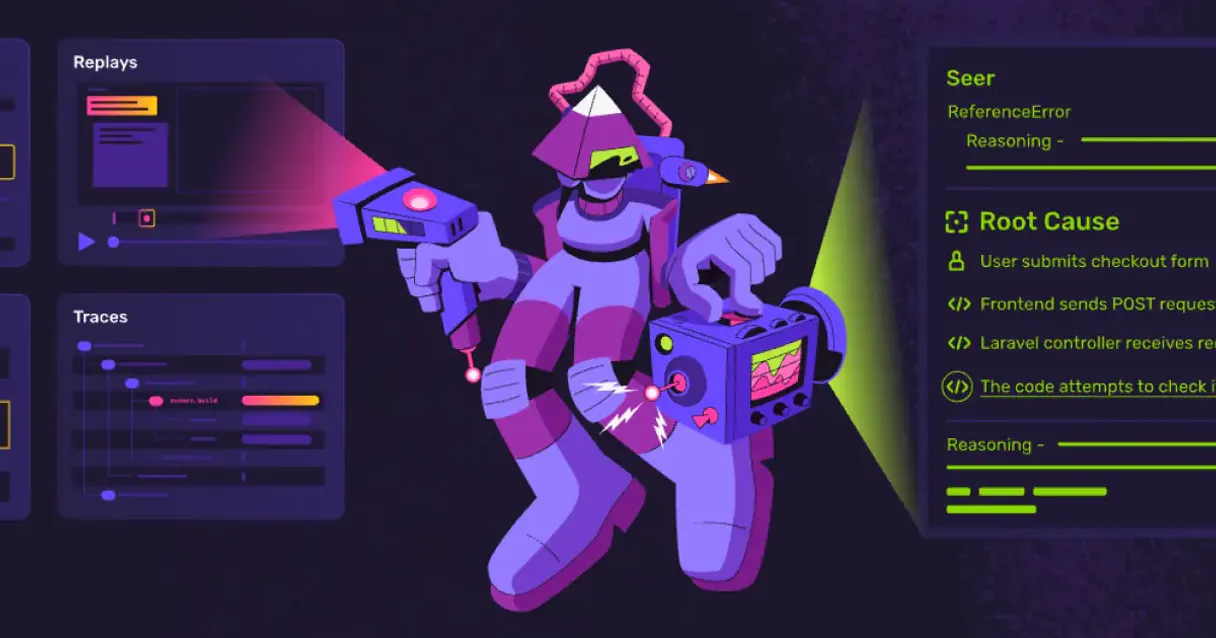
What is the Sentry MCP Server?
Equip your favorite LLM interface with direct, real-time investigative access over your application's Sentry operational environments. Skip the grueling task of combing through the rigid crash dashboard visually. Now, your AI can pull up the latest software exceptions directly into Cursor or an MCP-enabled chat window, read the contextual stack trace natively, and even close out resolved bugs.
What you can do
- Live Crash Monitoring — Query the
list_issuesfunctionality at any time to instantly see which endpoints or functions are currently malfunctioning and throwing fatal alerts - Deep Error Inspection — Feed an
issue_idto the agent viaget_issue_details. The LLM will devour the entire stack trace, evaluate the environmental metadata, and suggest precisely which lines of code need attention - Project & Organization Forensics — Interrogate the AI regarding internal structures (
list_users,list_teams) and easily scan separate software branches or repositories (list_projects) configured in your Sentry silo - Alert Triage (Mutable) — Dictate the agent to close resolved items (
resolve_issue), marking the exception safely as handled without having to load the web interface
How it works
- Simply activate this unified Server in your workflow configurations
- Provide your overarching
Organization Slugalongside your scopedAuth Tokensecurely - Start pinging Claude asking: 'Why did my Vercel app crash 5 minutes ago on Sentry?'
Who is this for?
- Software Engineers — fetch the specific
get_event_detailsstring natively in your IDE, feeding the LLM the exact variable state that shattered the production service - DevOps Engineers — command the tool to
list_issuesoccurring across European servers and quickly ascertain if a recent deploy caused a spike in latency - Technical Founders — casually ask the chatbot for a summary of high-priority bugs open today across all startup projects before the daily standup
Built-in capabilities (10)
This action is irreversible. Permanently deletes an issue
Retrieves details for a specific event
Retrieves details for a specific issue
Lists recent events for a project
Lists all issues (errors) in a project
Lists all teams in an organization
Lists all users in an organization
Lists all Sentry organizations
Lists all projects in an organization
This is a reversible side-effect. Resolves an issue in Sentry
Why Pydantic AI?
Pydantic AI validates every Sentry tool response against typed schemas, catching data inconsistencies at build time. Connect 10 tools through Vinkius and switch between OpenAI, Anthropic, or Gemini without changing your integration code. full type safety, structured output guarantees, and dependency injection for testable agents.
- —
Full type safety: every MCP tool response is validated against Pydantic models, catching data inconsistencies before they reach your application
- —
Model-agnostic architecture. switch between OpenAI, Anthropic, or Gemini without changing your Sentry integration code
- —
Structured output guarantee: Pydantic AI ensures tool results conform to defined schemas, eliminating runtime type errors
- —
Dependency injection system cleanly separates your Sentry connection logic from agent behavior for testable, maintainable code
Sentry in Pydantic AI
Why run Sentry with Vinkius?
The Sentry connection runs on our fully managed, secure cloud infrastructure. We handle the hosting, maintenance, and security so you don't have to deal with servers or code. All 10 tools are ready to work instantly without any complex setup.
You stay in complete control of your data. Your AI only accesses the information you approve, keeping your sensitive passwords and private details completely safe. Plus, with automatic optimizations, your AI works faster and more efficiently.
* Every connection is hosted and maintained by Vinkius. We handle the security, updates, and infrastructure so you don't have to write code or manage servers. See our infrastructure
Over 4,000 integrations ready for AI agents
Explore a vast library of pre-built integrations, optimized and ready to deploy.
Connect securely in under 30 seconds
Generate tokens to authenticate and link external services in a single step.
Complete visibility into every agent action
Audit live requests, latency, success rates, and active security compliance policies.
Optimize spending and track token ROI
Analyze real-time token consumption and cost metrics detailed by connection.




Explore our live AI Agents Analytics dashboard to see it all working
This dashboard is included when you connect Sentry using Vinkius. You will never be left in the dark about what your AI agents are doing with your tools.
Sentry and 4,000+ other AI tools. No hosting, no code, ready to use.
Professionals who connect Sentry to Pydantic AI through Vinkius don't need to write code, manage servers, or worry about security. Everything is pre-configured, secure, and runs automatically in the background.
Raw MCP | Vinkius | |
|---|---|---|
| Ready-to-use MCPs | Find and configure each manually | 4,000+ MCPs ready to use |
| Connection Setup | Manual coding & server setup | 1-click instant connection |
| Server Hosting | You host it yourself (needs 24/7 uptime) | 100% hosted & managed by Vinkius |
| Security & Privacy | Stored in plaintext config files | Bank-grade encrypted vault |
| Activity Visibility | Blind execution (no logs or tracking) | Live dashboard with real-time logs |
| Cost Control | Runaway AI token spend risk | Automatic budget limits |
| Revoking Access | Must delete files or code to stop | 1-click disconnect button |
How Vinkius secures
Sentry for Pydantic AI
Every request between Pydantic AI and Sentry is protected by our secure gateway. We automatically keep your sensitive data private, prevent unauthorized access, and let you disconnect instantly at any time.
Frequently asked questions
Can this AI integration actually mark errors as fixed?
Yes. This agent component possesses mutable write access. If you invoke the prompt properly, it will fire the resolve_issue tool, marking the corresponding exception ID completely dealt with inside the Sentry ecosystem. It can also erase bugs fully via delete_issue.
What is the difference between inspecting an 'Issue' and an 'Event'?
An 'Issue' gathers underlying multiple occurrences of the identical stack exception into one overarching master group. In contrast, querying an 'Event' (get_event_details) focuses the AI on a strictly singular, point-in-time incidence where the system crashed.
Do I need to supply the Organization Slug with every command?
You configure the overarching Organization Slug strictly at startup globally. For project-level filters, let your LLM query list_projects first to fetch internal slugs naturally into its memory buffer without constant repeated user inputs.
How does Pydantic AI discover MCP tools?
Create an MCPServerHTTP instance with the server URL. Pydantic AI connects, discovers all tools, and generates typed Python interfaces automatically.
Does Pydantic AI validate MCP tool responses?
Yes. When you define result types as Pydantic models, every tool response is validated against the schema. Invalid data raises a clear error instead of silently corrupting your pipeline.
Can I switch LLM providers without changing MCP code?
Absolutely. Pydantic AI abstracts the model layer. your Sentry MCP integration works identically with OpenAI, Anthropic, Google, or any supported provider.
MCPServerHTTP not found
Update: pip install --upgrade pydantic-ai
Explore More MCP Servers
View all →
Metabolic Energy Estimator
4 toolsEmpower your AI Agent with deterministic metabolic calculations. Estimate burned calories with a local catalog of 80+ activities, calculate TDEE, and project weight loss timelines.

Nifty (All-in-One Project Management)
10 toolsManage projects via Nifty — create tasks, track sprint milestones, and audit project portfolios.

ClubReady
11 toolsManage members, check-ins, classes, billing, prospects, and staff for your ClubReady (ABC Fitness) gym through natural conversation.
MintMCP
8 toolsEnterprise MCP Gateway: manage authentication, monitoring, and security guardrails via centralized virtual servers.