
Bring Gdelt
to Cursor
Learn how to connect Stanford GDELT to Cursor and start using 16 AI agent tools in minutes. Fully managed, enterprise secure, and ready to use without writing a single line of code.
 GDPR Free for Subscribers
Compatible with every major AI agent and IDE
 Gemini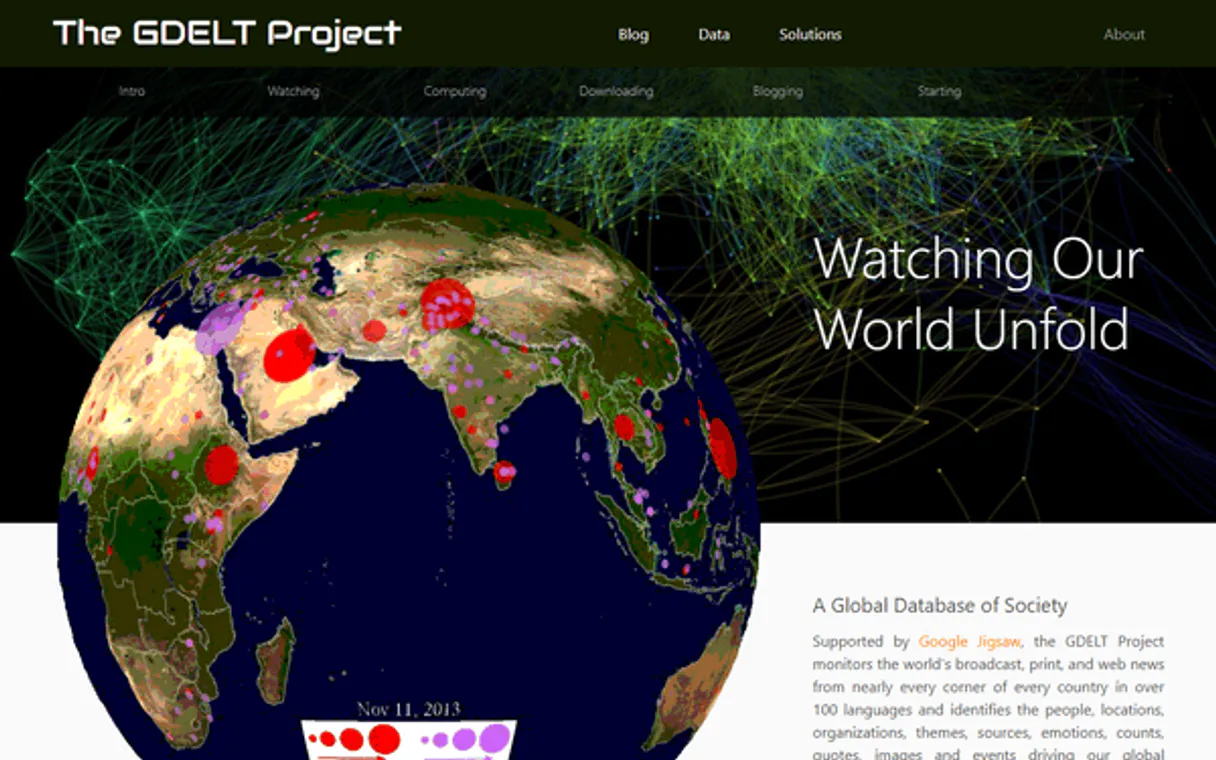
What is the Stanford GDELT MCP Server?
Connect to the GDELT Project API — the world's largest open platform for monitoring global news media in real time.
What you can do
- Article Search — Search global news articles with filters for language, country, date range, and topic
- Volume Timelines — Track how media attention to any topic changes over time
- Sentiment Analysis — Monitor tone and sentiment shifts in coverage of any subject
- Geographic Mapping — Visualize where news events are happening around the world
- TV News Search — Search closed caption transcripts from CNN, Fox News, MSNBC, BBC, and more
- Theme Analysis — Explore standardized GDELT themes across geopolitics, health, environment, and economics
- Language Distribution — See which linguistic communities are covering a topic
- Country Distribution — Identify which nations produce the most coverage of specific issues
- Proximity Search — Find articles where two terms appear near each other
- Word Clouds — Extract dominant terms and concepts from coverage
How it works
- Subscribe to this server
- No API key required — GDELT is completely free
- Start monitoring global news from Claude, Cursor, or any MCP-compatible client
Who is this for?
- Journalists — track breaking stories and media narratives
- Political Scientists — analyze geopolitical events and public discourse
- PR & Communications — monitor brand reputation and crisis communications
- Policy Analysts — understand how issues are covered across different countries and languages
Built-in capabilities (16)
Each point includes coordinates, location name, and article metadata. Use modes: "PointData" for individual points, "PointHeat" for heatmap data. Get geographic point data for news events
GDELT uses hundreds of themes from politics, economics, health, environment, technology, and more to classify news content. Get GDELT theme distribution for a topic
Reveals geographic patterns in media attention, identifies when a story goes global, and shows which nations are most interested in specific issues. Get source country distribution timeline
Reveals which linguistic communities are paying attention to an issue and when interest spreads across language barriers. Get language distribution timeline for a topic
Positive values indicate positive coverage, negative values indicate negative coverage. Essential for tracking public opinion shifts, crisis communications, and brand reputation monitoring. Get sentiment and tone timeline for a topic
Essential for tracking media attention, identifying news spikes, and understanding the lifecycle of a story. Default timespan is 3 months. Get news volume timeline for any topic
Shows whether coverage is predominantly positive, negative, or neutral, and the overall emotional intensity of the coverage. Get tone distribution chart for a topic
Use this to understand the scope of TV news coverage available for analysis. Get available TV news channels inventory
Reveals which stories dominate TV airtime and how TV coverage patterns differ from online news. Get TV news mention volume timeline
Reveals the dominant themes, entities, and concepts associated with a topic in media discourse. Get word cloud data showing key terms for a topic
Returns article titles, URLs, dates, source domains, languages, and source countries. Use timespan like "1d" (1 day), "1w" (1 week), "3m" (3 months). Use sourcelang codes like "english", "spanish", "portuguese", "french", "chinese", "arabic". Use sourcecountry codes like "US", "BR", "UK", "FR", "DE". Search global news articles across 100+ languages
Country codes follow ISO 2-letter format: US (United States), BR (Brazil), UK (United Kingdom), FR (France), DE (Germany), CN (China), JP (Japan), IN (India), RU (Russia), AU (Australia), CA (Canada), etc. Essential for understanding country-specific media perspectives on global events. Search news articles from a specific country
Covers 100+ languages. Language codes include: english, spanish, portuguese, french, german, italian, chinese, japanese, korean, arabic, russian, hindi, turkish, dutch, swedish, polish, and many more. Essential for monitoring how different linguistic communities cover the same event. Search news articles in a specific language
Themes are standardized topic categories like TAX_FNCACT (financial actions), HEALTH_PANDEMIC, ENV_CLIMATECHANGE, TERROR, PROTEST, ELECTION, ECON_BANKRUPTCY, etc. Use this for precise topic-based monitoring. Search articles by GDELT standardized theme
More precise than simple keyword search. Use distance parameter to control proximity (default 10 words). Example: term1="climate", term2="migration", distance=15. Search articles where two terms appear near each other
Returns clips with timestamps, station names, transcript snippets, and video preview URLs. Covers CNN, Fox News, MSNBC, BBC, and more. Modes: "ClipGallery" for clips, "StationChart" for station comparison. Search TV news transcripts by keyword
Why Cursor?
Cursor's Agent mode turns Stanford GDELT into an in-editor superpower. Ask Cursor to generate code using live data from Stanford GDELT and it fetches, processes, and writes. all in a single agentic loop. 16 tools appear alongside file editing and terminal access, creating a unified development environment grounded in real-time information.
- —
Agent mode turns Cursor into an autonomous coding assistant that can read files, run commands, and call MCP tools without switching context
- —
Cursor's Composer feature can generate entire files using real-time data fetched through MCP. no copy-pasting from external dashboards
- —
MCP tools appear alongside built-in tools like file reading and terminal access, creating a unified agentic environment
- —
VS Code extension compatibility means your existing workflow, keybindings, and extensions all work alongside MCP tools
Stanford GDELT in Cursor
Stanford GDELT and 4,000+ other MCP servers. One platform. One governance layer.
Teams that connect Stanford GDELT to Cursor through Vinkius don't need to source, host, or maintain individual MCP servers. Every tool call runs inside a hardened runtime with credential isolation, DLP, and a signed audit chain.
Raw MCP | Vinkius | |
|---|---|---|
| Server catalog | Find and host yourself | 4,000+ managed |
| Infrastructure | Self-hosted | Sandboxed V8 isolates |
| Credential handling | Plaintext in config | Vault + runtime injection |
| Data loss prevention | None | Configurable DLP policies |
| Kill switch | None | Global instant shutdown |
| Financial circuit breakers | None | Per-server limits + alerts |
| Audit trail | None | Ed25519 signed logs |
| SIEM log streaming | None | Splunk, Datadog, Webhook |
| Honeytokens | None | Canary alerts on leak |
| Custom domains | Not applicable | DNS challenge verified |
| GDPR compliance | Manual effort | Automated purge + export |
Why teams choose Vinkius for Stanford GDELT in Cursor
The Stanford GDELT MCP Server runs on Vinkius-managed infrastructure inside AWS — a purpose-built runtime with per-request V8 isolates, Ed25519 signed audit chains, and sub-40ms cold starts. All 16 tools execute in hardened sandboxes optimized for native MCP execution.
Your AI agents in Cursor only access the data you authorize, with DLP that blocks sensitive information from ever reaching the model, kill switch for instant shutdown, and up to 60% token savings. Enterprise-grade infrastructure, zero maintenance.
* Every MCP server runs on Vinkius-managed infrastructure inside AWS - a purpose-built runtime with per-request V8 isolates, Ed25519 signed audit chains, and sub-40ms cold starts optimized for native MCP execution. See our infrastructure
How Vinkius secures
Stanford GDELT for Cursor
Every tool call from Cursor to the Stanford GDELT MCP Server is protected by DLP redaction, cryptographic audit chains, V8 sandbox isolation, kill switch, and financial circuit breakers.
Frequently asked questions
Do I need an API key?
No. The GDELT API is completely free and requires no authentication or registration.
How often is GDELT updated?
GDELT updates every 15 minutes, making it one of the most real-time global news monitoring platforms available. It processes news from virtually every country on Earth in over 100 languages.
Can I search TV news transcripts?
Yes. GDELT provides access to closed caption transcripts from major TV news networks including CNN, Fox News, MSNBC, BBC, and many international broadcasters. You can search by keyword and get clip galleries with timestamps.
What is Agent mode and why does it matter for MCP?
Agent mode is Cursor's autonomous execution mode where the AI can perform multi-step tasks: reading files, editing code, running terminal commands, and calling MCP tools. Without Agent mode, Cursor operates in a simpler ask-and-answer mode that doesn't support tool calling. Always ensure you're in Agent mode when working with MCP servers.
Where does Cursor store MCP configuration?
Cursor looks for MCP server configurations in a mcp.json file. You can configure servers at the project level (.cursor/mcp.json in your project root) or globally (~/.cursor/mcp.json). Project-level configs take precedence.
Can Cursor use MCP tools in inline edits?
No. MCP tools are only available in Agent mode through the chat panel. Inline completions and Tab suggestions do not trigger MCP tool calls. This is by design. tool calls require user visibility and approval.
How do I verify MCP tools are loaded?
Open Settings → Features → MCP and look for your server name. A green indicator means the server is connected. You can also check Agent mode's available tools by clicking the tools dropdown in the chat panel.
Tools not appearing in Cursor
Ensure you are in Agent mode (not Ask mode). MCP tools only work in Agent mode.
Server shows as disconnected
Check Settings → Features → MCP and verify the server status. Try clicking the refresh button.
Explore More MCP Servers
View all →
Nifty (All-in-One Project Management)
10 toolsManage projects via Nifty — create tasks, track sprint milestones, and audit project portfolios.
Pipedream
7 toolsManage Pipedream serverless workflows, sources, webhooks, and raw event data natively via AI agents.

Bitso Exchange
12 toolsTrade dynamically on Mexico's biggest Crypto Exchange. Access live balances, order books, and command trades programmatically.

Box
7 toolsManage files, folders, collaborations, and metadata on Box — the enterprise cloud content management platform.