
EBI Proteins API MCP Server for AutoGenGive AutoGen instant access to 16 tools to Get Antigen, Get Coordinates, Get Genecentric, and more
 GDPR Free for Subscribers
Microsoft AutoGen enables multi-agent conversations where agents negotiate, delegate, and execute tasks collaboratively. Add EBI Proteins API as an MCP tool provider through Vinkius and every agent in the group can access live data and take action.
Ask AI about this MCP Server for AutoGen
The EBI Proteins API MCP Server for AutoGen is a standout in the The Unthinkable category — giving your AI agent 16 tools to work with, ready to go from day one.
Vinkius delivers Streamable HTTP and SSE to any MCP client
 Gemini
import asyncio
from autogen_agentchat.agents import AssistantAgent
from autogen_ext.tools.mcp import McpWorkbench
async def main():
# Your Vinkius token. get it at cloud.vinkius.com
async with McpWorkbench(
server_params={"url": "https://edge.vinkius.com/[YOUR_TOKEN_HERE]/mcp"},
transport="streamable_http",
) as workbench:
tools = await workbench.list_tools()
agent = AssistantAgent(
name="ebi_proteins_api_agent",
tools=tools,
system_message=(
"You help users with EBI Proteins API. "
"16 tools available."
),
)
print(f"Agent ready with {len(tools)} tools")
asyncio.run(main())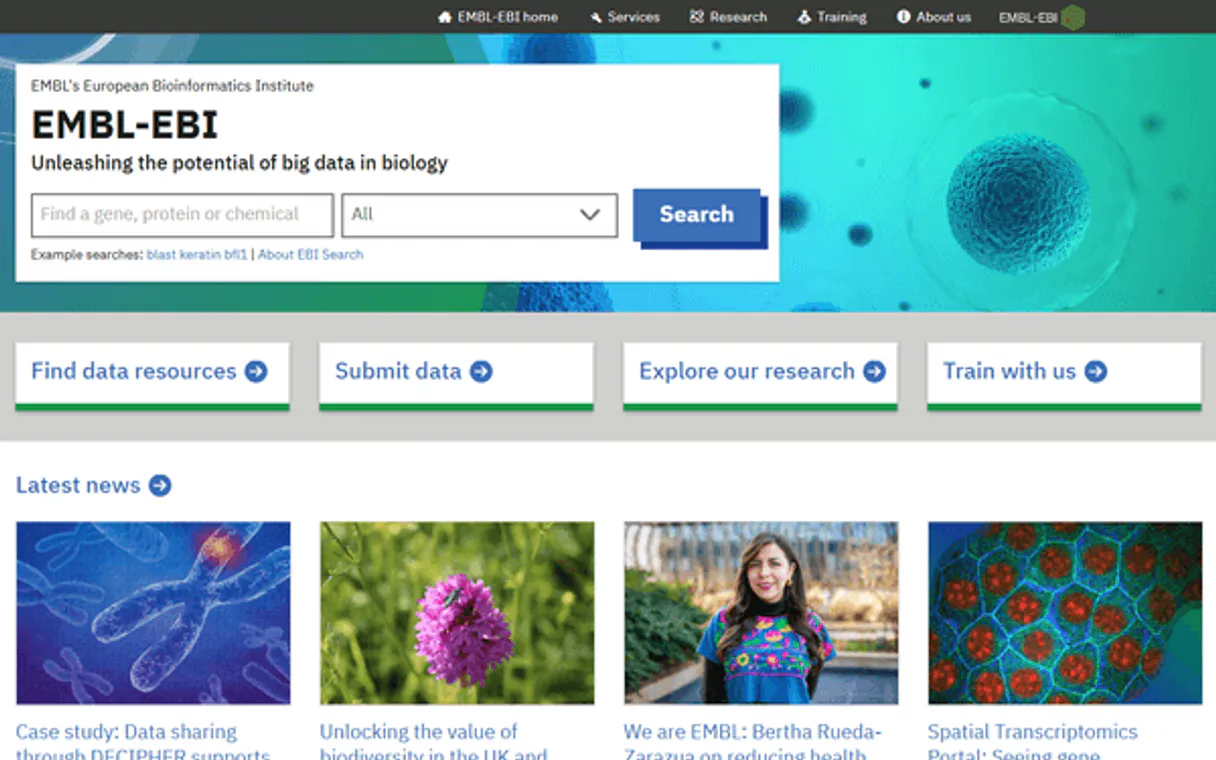
* Every MCP server runs on Vinkius-managed infrastructure inside AWS - a purpose-built runtime with per-request V8 isolates, Ed25519 signed audit chains, and sub-40ms cold starts optimized for native MCP execution. See our infrastructure
About EBI Proteins API MCP Server
Connect to the EMBL-EBI Proteins API and access comprehensive protein biology data from one of the world's leading bioinformatics institutes.
AutoGen enables multi-agent conversations where agents negotiate, delegate, and collaboratively use EBI Proteins API tools. Connect 16 tools through Vinkius and assign role-based access. a data analyst queries while a reviewer validates, with optional human-in-the-loop approval for sensitive operations.
What you can do
- Protein Retrieval — Fetch complete protein entries by UniProt accession with names, organisms, gene information, sequences, and cross-references
- Sequence Features — Retrieve annotated domains, binding sites, active sites, signal peptides, transmembrane regions, and disulfide bonds for any protein
- Genetic Variants — Access curated variants from UniProtKB aggregated with large-scale studies including ClinVar, gnomAD, 1000 Genomes, COSMIC, and TOPMed
- Proteomics & PTMs — Query mass-spectrometry peptide evidence and post-translational modifications from PeptideAtlas, MaxQB, EPD, and ProteomicsDB
- Mutagenesis — Explore curated mutagenesis experiments with detailed phenotypic effect descriptions
- Proteomes & Taxonomy — Search reference proteomes and navigate the taxonomy tree by ID or organism name
- Genome Coordinates — Map proteins to genome positions on GRCh38/GRCh37 with Ensembl gene, transcript, and translation IDs
The EBI Proteins API MCP Server exposes 16 tools through the Vinkius. Connect it to AutoGen in under two minutes — credentials fully managed, no infrastructure to provision, no vendor lock-in. Your configuration, your data, your control.
All 16 EBI Proteins API tools available for AutoGen
When AutoGen connects to EBI Proteins API through Vinkius, your AI agent gets direct access to every tool listed below — spanning proteins, uniprot, bioinformatics, and more. Every call runs in a secure, isolated environment with full audit visibility. Beyond a simple connection, you get real-time monitoring of agent activity, enterprise governance, and optimized token usage.
Get antigen on EBI Proteins API
These are peptide regions used for antibody generation, indicating experimentally validated protein expression targets. Useful for immunology and antibody-based research. Get antigen sequences from Human Protein Atlas
Get coordinates on EBI Proteins API
Returns Ensembl gene, transcript, and translation IDs along with chromosome, start/end positions, and strand information. Essential for bridging protein annotations with genomic data. Get genome coordinate mappings for a protein
Get genecentric on EBI Proteins API
Shows canonical protein and related protein count for each gene. Use with a UniProt Proteome ID (e.g. UP000005640). Get the gene-centric view of a proteome
Get mutagenesis on EBI Proteins API
Each entry includes the wild-type and mutant residues, position, and a description of the functional impact. Critical for understanding structure-function relationships. Get mutagenesis experiments and phenotypic effects
Get protein on EBI Proteins API
Use a UniProt accession such as P12345, Q9Y6K9, or P53_HUMAN. Retrieve a full protein entry by UniProt accession
Get protein features on EBI Proteins API
Features include domains, binding sites, active sites, signal peptides, transmembrane regions, disulfide bonds, glycosylation sites, and more. Each feature has start/end positions and evidence counts. Get sequence feature annotations for a protein
Get proteome on EBI Proteins API
Returns taxonomy, protein count, gene count, reference status, and component information. Use IDs like UP000005640 for human proteome or UP000000589 for mouse. Get a specific proteome by UniProt Proteome ID
Get proteomics on EBI Proteins API
Shows which peptides have been experimentally detected and whether they are unique to this protein. Essential for validating protein expression. Get mass-spectrometry proteomics data for a protein
Get proteomics ptm on EBI Proteins API
Provides residue-level PTM positions with evidence counts. Get post-translational modifications from mass-spec data
Get taxonomy on EBI Proteins API
Returns scientific name, common name, rank, lineage, parent, and children nodes. Use IDs like 9606 for human, 10090 for mouse, 562 for E. coli. Get taxonomy node details by NCBI taxon ID
Get variation on EBI Proteins API
Each variant includes wild-type and mutant residues, clinical significance, consequence type (e.g. missense, nonsense), and cross-references. Critical for clinical genomics and variant interpretation. Get genetic variants for a protein from multiple sources
Search features by type on EBI Proteins API
Valid types include: DOMAIN, BINDING, ACTIVE_SITE, SIGNAL, TRANSMEM, DISULFID, CARBOHYD, MOD_RES, VARIANT, MUTAGEN, REGION, MOTIF, SITE, REPEAT, COILED, COMPBIAS, HELIX, STRAND, TURN. Search features by type across proteins
Search proteins on EBI Proteins API
You can combine gene name (e.g. TP53), organism (e.g. human, 9606), keyword (e.g. kinase), or accession. Returns a summarized list of matching proteins with names, organisms, and sequence lengths. Search proteins by gene name, organism, or keyword
Search proteomes on EBI Proteins API
Returns proteome IDs, taxonomy, protein counts, gene counts, and reference proteome status. Use queries like "homo sapiens", "escherichia coli", "arabidopsis". Search proteomes by organism name
Search taxonomy on EBI Proteins API
Returns matching taxonomy entries with scientific names, common names, taxon IDs, and ranks. Useful for finding the correct taxon ID before querying proteins or proteomes for a specific organism. Search taxonomy by organism name
Search variation on EBI Proteins API
g. large_scale_study, uniprot, mixed), consequence type (e.g. missense, stop gained), and wild-type residue. Use this to find clinically relevant variants across the proteome. Search variants by consequence type, source, or residue
Connect EBI Proteins API to AutoGen via MCP
Follow these steps to wire EBI Proteins API into AutoGen. The entire setup takes under two minutes — your credentials stay safe behind Vinkius.
Install AutoGen
pip install "autogen-ext[mcp]"Replace the token
[YOUR_TOKEN_HERE] with your Vinkius tokenIntegrate into workflow
Explore tools
Why Use AutoGen with the EBI Proteins API MCP Server
AutoGen provides unique advantages when paired with EBI Proteins API through the Model Context Protocol.
Multi-agent conversations: multiple AutoGen agents discuss, delegate, and collaboratively use EBI Proteins API tools to solve complex tasks
Role-based architecture lets you assign EBI Proteins API tool access to specific agents. a data analyst queries while a reviewer validates
Human-in-the-loop support: agents can pause for human approval before executing sensitive EBI Proteins API tool calls
Code execution sandbox: AutoGen agents can write and run code that processes EBI Proteins API tool responses in an isolated environment
EBI Proteins API + AutoGen Use Cases
Practical scenarios where AutoGen combined with the EBI Proteins API MCP Server delivers measurable value.
Collaborative analysis: one agent queries EBI Proteins API while another validates results and a third generates the final report
Automated review pipelines: a researcher agent fetches data from EBI Proteins API, a critic agent evaluates quality, and a writer produces the output
Interactive planning: agents negotiate task allocation using EBI Proteins API data to make informed decisions about resource distribution
Code generation with live data: an AutoGen coder agent writes scripts that process EBI Proteins API responses in a sandboxed execution environment
Example Prompts for EBI Proteins API in AutoGen
Ready-to-use prompts you can give your AutoGen agent to start working with EBI Proteins API immediately.
"Get all known genetic variants for the TP53 tumor suppressor protein."
"Show me the domain architecture and binding sites of the EGFR protein."
"Map the BRCA1 protein to its genome coordinates on GRCh38."
Troubleshooting EBI Proteins API MCP Server with AutoGen
Common issues when connecting EBI Proteins API to AutoGen through Vinkius, and how to resolve them.
McpWorkbench not found
pip install "autogen-ext[mcp]"EBI Proteins API + AutoGen FAQ
Common questions about integrating EBI Proteins API MCP Server with AutoGen.
How does AutoGen connect to MCP servers?
Can different agents have different MCP tool access?
Does AutoGen support human approval for tool calls?
Explore More MCP Servers
View all →
Trakt
18 toolsTrack TV shows and movies — search titles, get ratings, discover trending content and manage your watchlist.

D2L Brightspace
33 toolsManage your D2L Brightspace LMS — administer courses, track student grades, and manage enrollments directly through your AI agent.

Bitly
10 toolsShorten and manage links via Bitly — track clicks, analyze metrics, and manage groups directly from any AI agent.

Hotjar (Behavior Analytics)
10 toolsAnalyze user behavior via Hotjar — list sites, retrieve survey responses, and manage feedback widgets.